15
3. To access the quick status or live video, click the item in the navigation pane.
4. To configure the device:
a. Expand the Configuration tree by clicking the plus (+) sign to its left, then
make the necessary changes.
b. Click Apply.
Configuring the Device
You can set the following parameter categories:
Access Management
Access management takes care of user accounts and device security.
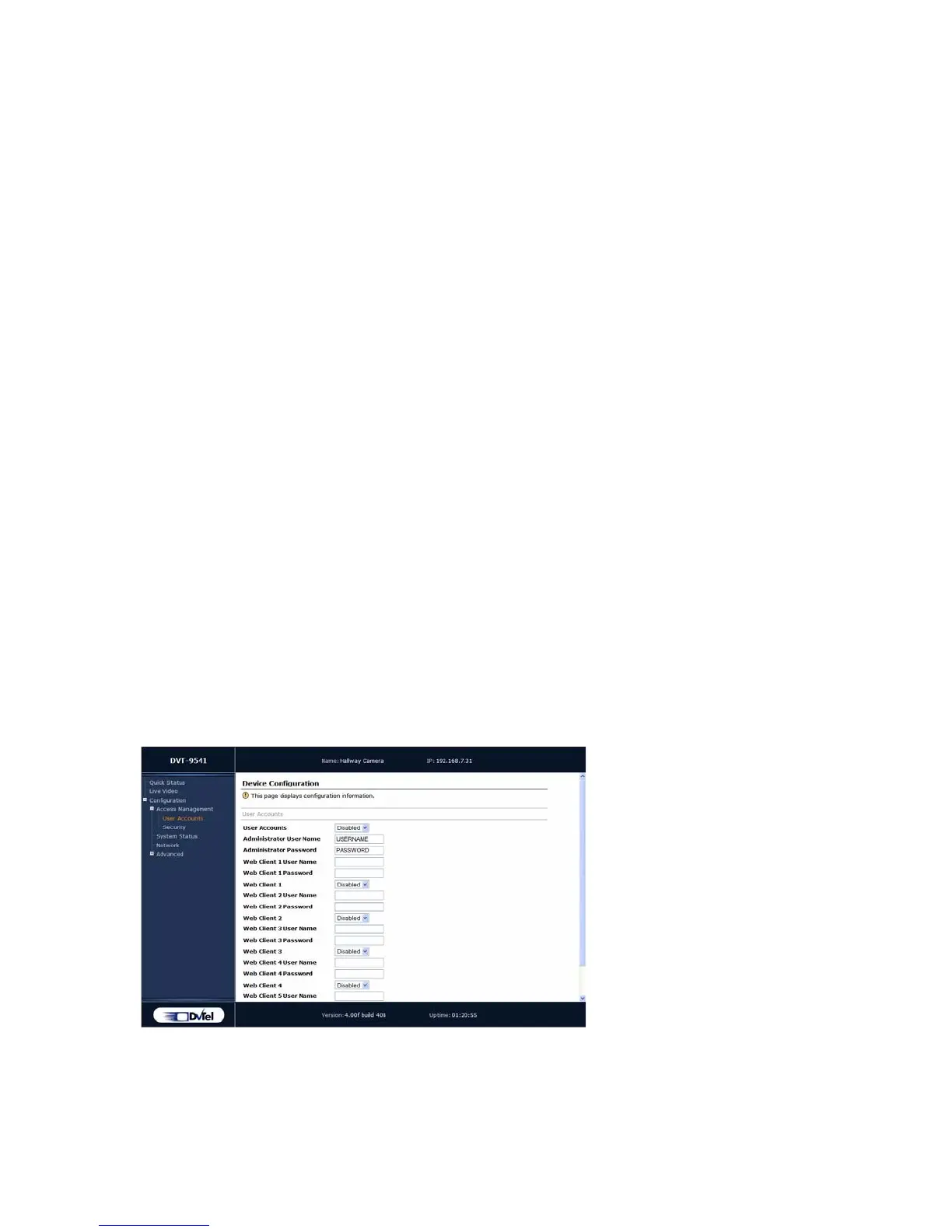
User Accounts
With user accounts, you can protect the configuration of the unit by restricting access
to it to previously defined users passwords. Once the user account mode is activated,
a user name and password is required to access a unit’s command line interface (CLI)
and its web interface.
Two types of users can be created:
Administrator—Has all rights and is automatically available when user accounts
are activated.
Web client—Only has access to live video and quick status in the web interface.
Five web clients are available.
The user account parameters are:
User Accounts—Used to enable or disable the use of user names and passwords to
access the unit via the web interface or command line interface. If User Accounts
is disabled, the unit can be accessed by anyone on the LAN.
Access management VSIP
System status System time
Network HTTP
Video



 To Next Page