30
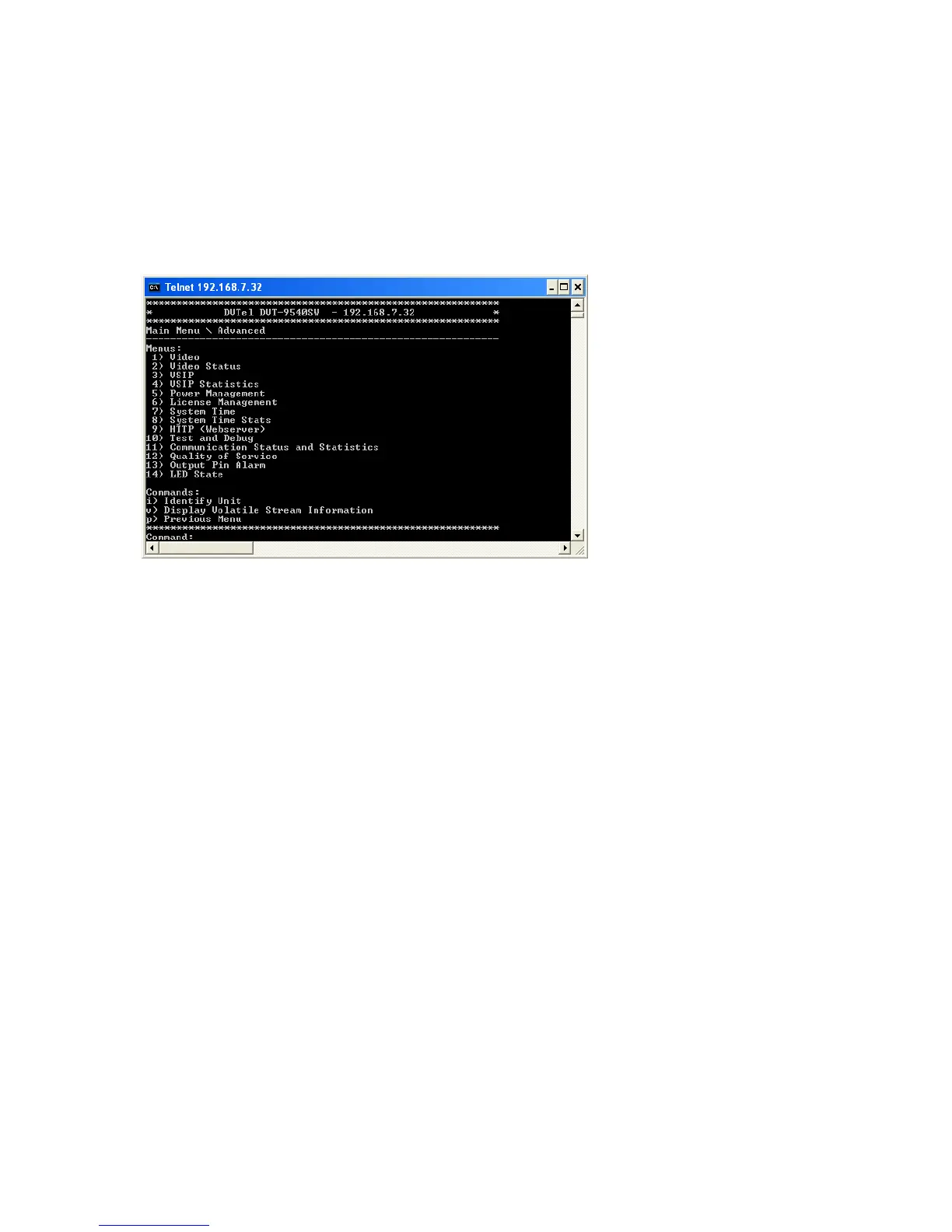
You can access the CLI with the Device Configurator tool, through the Telnet utility.
Note: Ensure that your computer and the 9540 IP Camera device are in the same IP subnet.
To enter the CLI with Telnet:
1. Open Device Configurator.
2. In the Units tab, discover the devices.
3. Select the desired device, then click Telnet.
4. To work through the CLI menu structure, follow these guidelines:
To execute a command or open a menu, type in the corresponding letter or number, then press
Enter.
Entering p returns you to the previous menu.
5. To end the CLI work session:
a. Save the settings by entering s at the main menu, then pressing Enter.
b. Exit the CLI by entering q at the main menu, then pressing Enter.
Depending on the changed settings, the device may perform a soft boot.
c. Close the Console window.
Warning: Do not use the Disconnect button to exit the CLI, since it does not save your settings.



 To Next Page