5
About Your New Label Maker
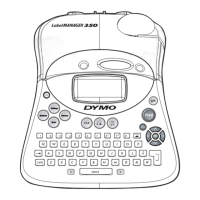
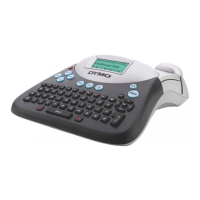
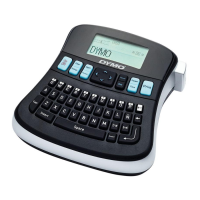
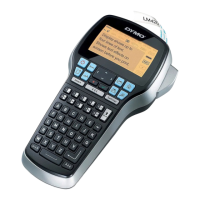
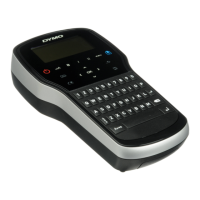
With the DYMO
®
LabelManager 360D electronic label maker, you can create
a wide variety of high-quality, self-adhesive labels. You can choose to print
your labels in many different fonts, font sizes, and styles. The label maker
uses DYMO D1 label cassettes in widths of 1/4” (6 mm), 3/8” (9 mm), 1/2”
(12 mm), or 3/4" (19 mm). These label cassettes are available in a wide
range of colors.
Visit www.dymo.com for information on obtaining labels and accessories
for your label maker.
Product Registration
Visit www.dymo.com/register to register your label maker online.
Getting Started
Follow the instructions in this section to print your first label.
Connecting the Power
The label maker is powered by a rechargeable, Lithium-ion battery pack.
To save power, the label maker automatically turns off after two minutes
of inactivity.






 To Next Page