D 21 1
D 21 Operation
1 Operation of the input and display terminal
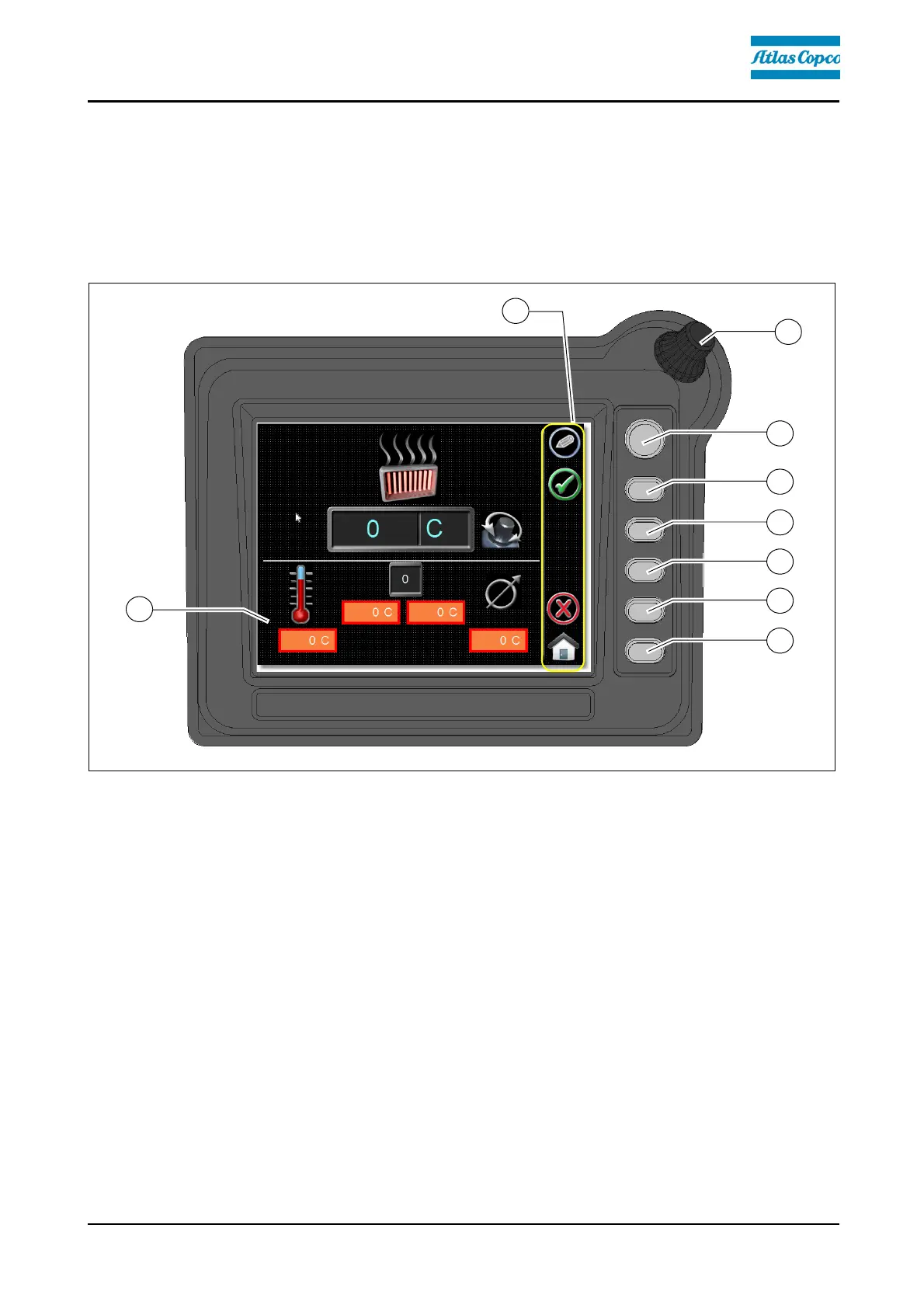
Button layout on the display
- (A) Encoder (rotary actuation):
- To scroll in the menu
- To select various parameters within a menu
- To change parameters
- (B) - (G) Function buttons:
- To trigger the commands assigned in the display area (H)
- To select the menus assigned in the display area (H)



 To Next Page