Using PIANO
Basic Controls
Adjusting Volume / Choosing a Voice /
Using PIANO
12
Adjusting Volume
Basic Controls
Adjusting Master Volume
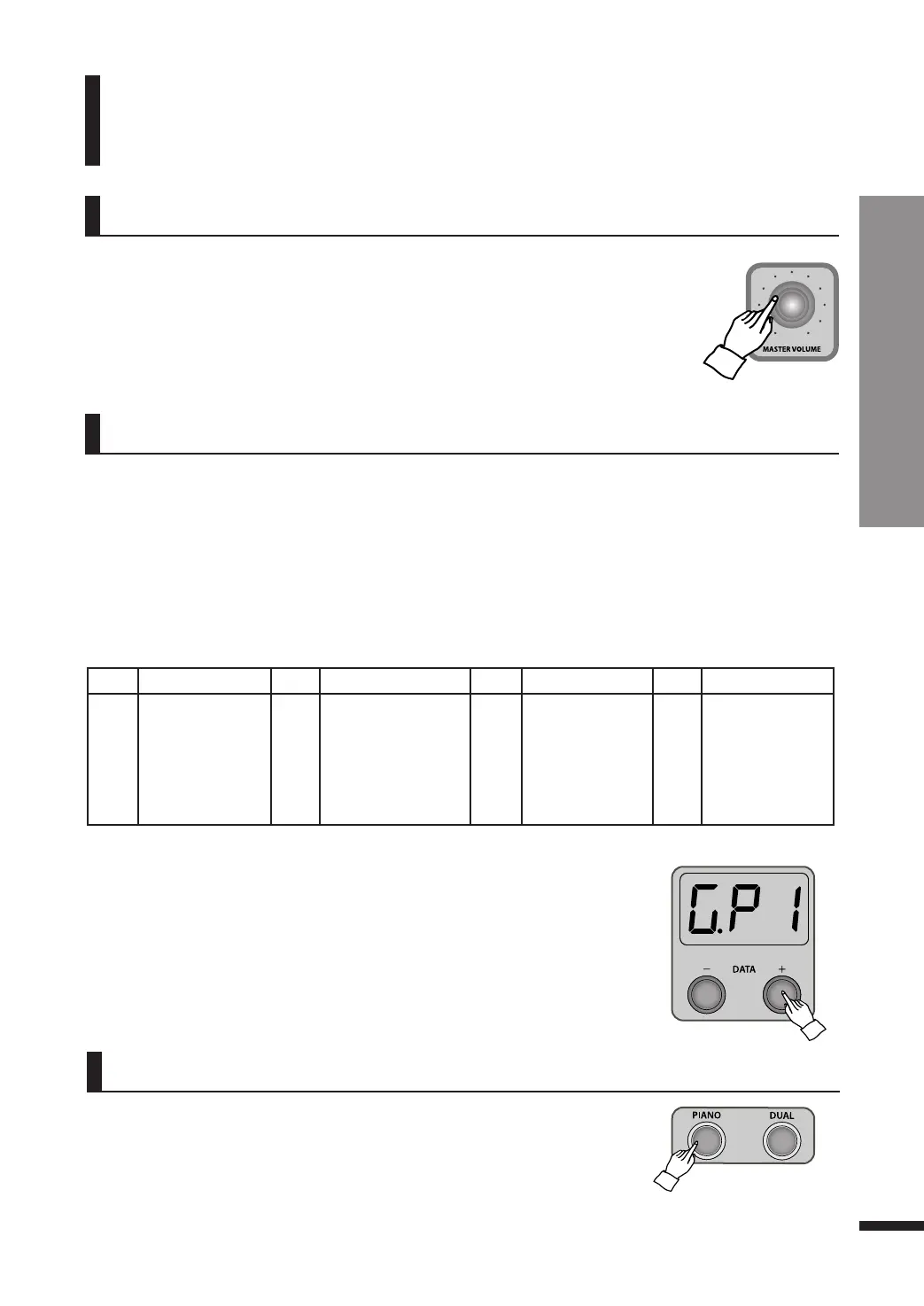
Use the MASTER VOLUME knob to adjust the overall volume of the piano.
Choosing a Voice
This product is a high class digital piano which offers the refined deep sound of quality acoustic
grand pianos along with the sound of other diverse acoustic and electric musical instruments.
q Voice Types
The voices consist of 18 main voices, 1 percussion kit and 1 sound effect set.
The piano is capable of interpreting the MIDI standards, and once connected to a computer it is able
to exploit the full range of the 128 General MIDI voices.
w Selecting the voice
Press DATA buttons to select the desired voice.
☞ This also affects the volume of headphones.
LED Voice LED Voice LED Voice LED Voice
G.P1
G.P2
E.P1
E.P2
HSC
Grand Piano1
Grand Piano2
Elec. Piano1
Elec. Piano2
Harpsichord
Vbr
P.Or
E.O1
E.O2
Acd
Vibraphone
Pipe Organ
Elec. Organ1
Elec. Organ2
Accordion
Str
SL.S
FLt
brS
S.Ld
Strings
Slow Strings
Flute
Brass
Synth Lead
SAP
Gut
Ac.b
dru
S.EF
Alto Saxophone
Nylon Guitar
Acoustic Bass
Drum Set
Sound Effect
☞ When the piano is turned on, the initial default voice is ‘Grand Piano 1(G.P1)’.
☞ The LED will display the choosen voice and change the voice with DATA buttons.
☞ Hold down a DATA button to quickly run through the voices.
When the PIANO button is pressed, the ‘Grand Piano1(G.P1)’ is selected as
the main voice and the dual mode will be turned off.
☞ When the PIANO button is pressed, it flashes 3 times.
☞ It doesn’t work in the recording mode.
☞ Refer to page 13 for ‘dual mode’ and page 17 for ‘recording’.
List of Voices



 To Next Page