Basic Controls
Dual Mode / Layer
13
Layer
Layer allows the player to sound two voices simultaneously when playing a key.
Dual Mode
The Dual Mode consists of Layer, Split and Twin Piano. Choose the desired mode with pressing the
DUAL button repeatedly. Each time pressing the DUAL button, the mode changes.
q
Choose
t
he
d
e
s
ire
d
ma
in voice
f
irs
t
.
Re
f
e
r to page
12 f
or v
oice
se
l
e
ction.
w Press DUAL button.
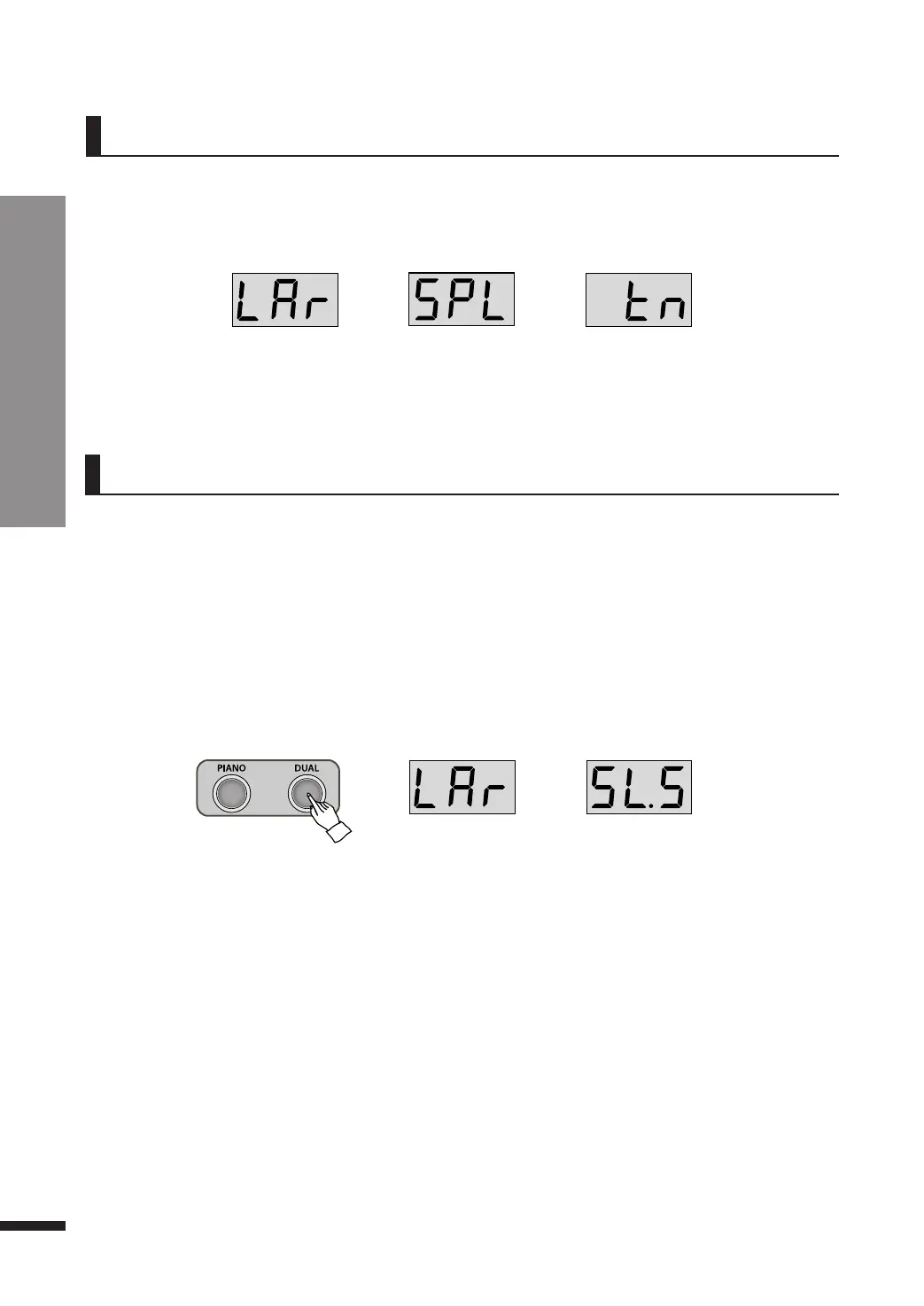
When DUAL button is pressed, the layer mode is selected with displaying ‘LAr’.
After displaying ‘LAr’, the layer voice is displayed on the screen.
e Choose the desired layer voice.
Press DATA buttons to choose the layer voice.
Refer to page 12 for voice selection.
☞ The default layer voice is Slow Strings(SL.S).
Layer(LAr) → Split(SPL) → Twin Piano(tn) → Quit
☞ When the dual mode is turned off, the LED display returns to previous screen.
Layer
Split Twin Piano
Layer Slow Strings
☞ The layer volume may be adjusted. Refer to Page 15.
r Press DUAL button 3 times to turn off the layer.
Layer(LAr) → Split(SPL) → Twin Piano(tn) → Quit



 To Next Page