Listening to Music
Demo / Etude
Listening to Music
18
This piano features an extensive bank of
demonstrational recordings of 50 selected works all
performed by professional pianists. It also includes a
dedicated music data bank consisting of pedagogical
etudes by Beyer (106), Czerny (100/30/40), Burgmüller
(25) and selected sonatines for students (45).
Demo
/ E
tude
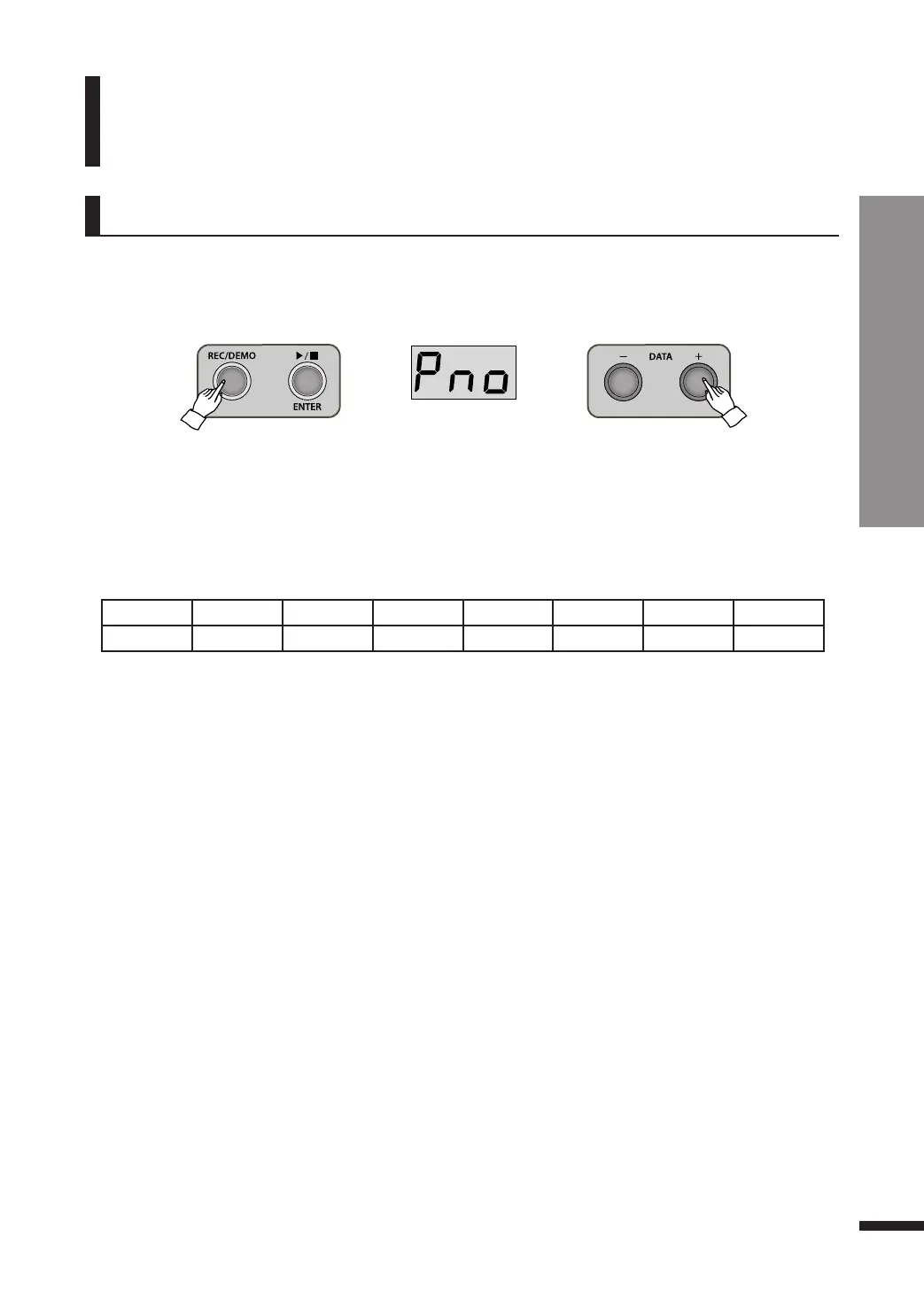
q Press and hold down REC/DEMO button for 2~3 seconds.
The screen will show the first music group ‘Pno’ and REC/DEMO button will be lighted.
Piano group
w Select a music group.
There are 1 demo folder and 6 etudes folders.
Search the desired folder with DATA buttons and press ▶/■/ENTER button to enter it.
Display Pno br bur C10 C30 C40 Snt
Group Piano Beyer Burgmüller Czerny100 Czerny30 Czerny40 Sonatine
☞ To move to a different folder, select ‘---’ on the first of the list and press ▶/■/ENTER button to move to the parent
folder, where you may choose another folder to enter.
e Select the desired piece to play. (Refer to page 20~22 for the music list)
Use the DATA buttons to reach the desired piece, then press ▶/■/ENTER button to play it.
r Play the music.
Except for ‘Pno’ folder, you can turn off one hand part.
Playing one hand part
When a piece begins playing, both TRACK1/L and TRACK/2 buttons are turned on. If you press
TRACK1/L button, it will be turned off and the left hand part will be muted. Press TRACK2/R button
to mute the right hand part.
Playing all pieces in succession
The player may play either all pieces in 1 folder in succession or just one piece.
Refer to page 25 for this setting.



 To Next Page