Basic Controls
Split / Changing the Split Point
14
Split
Split divides the piano keyboard into two sections, and allows the player to assign different voices to
each of the sections. For example, by using Split the melody part on the right could be played in
piano voice while the accompaniment on the left sounding in acoustic bass voice.
q Choose the desired main voice first.
The main voice will be assigned to the right part. Refer to page 12 for voice selection.
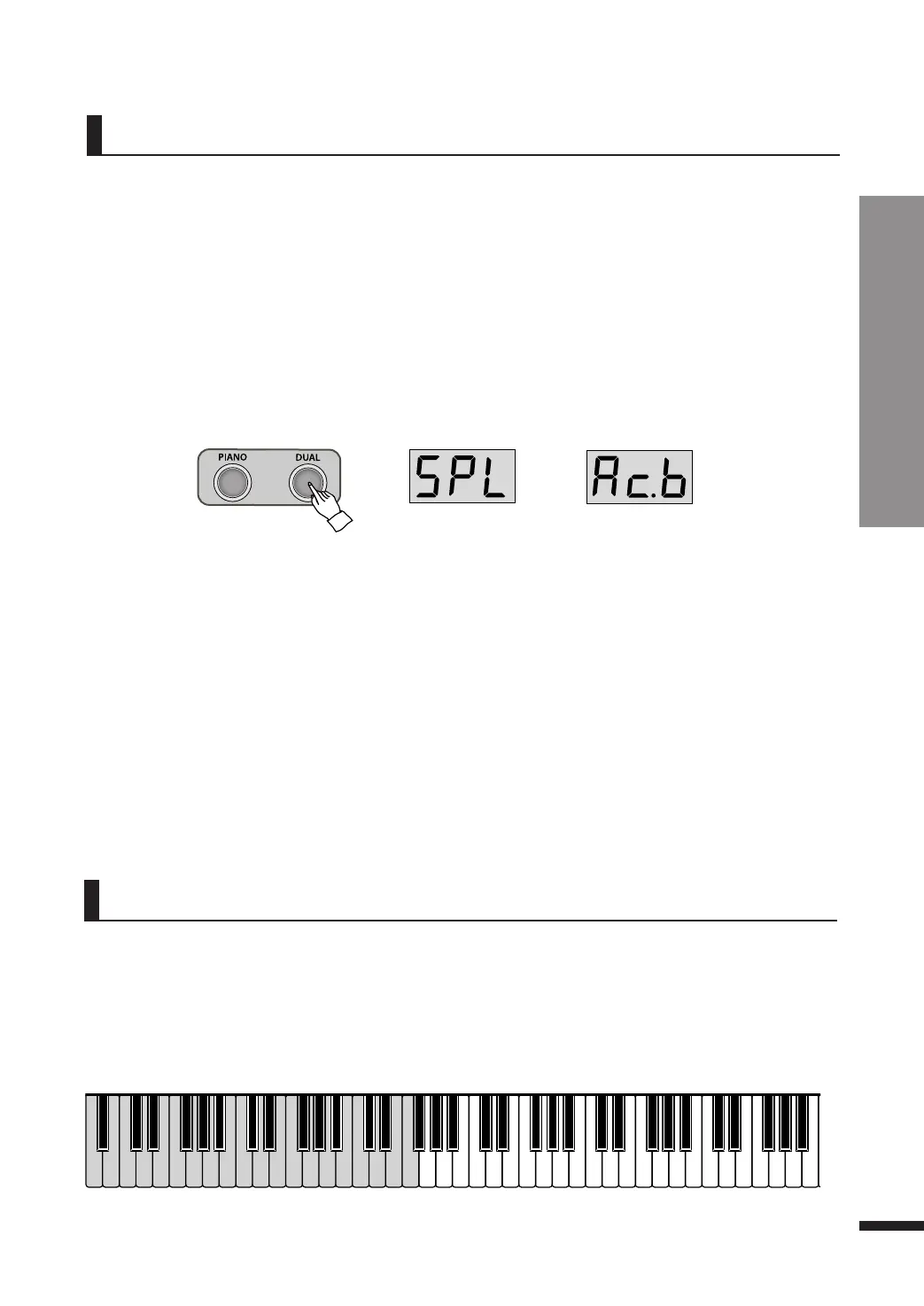
w Press DUAL button repeatedly.
Not in the dual mode, pressing the DUAL button once will set the piano as Layer mode(‘LAr’) and pressing the
DUAL button once more will set it as Split mode(SPL).
After displaying ‘SPL’, the split voice is displayed on the screen.
e Choose the desired split voice.
Press DATA buttons to choose the split voice.
Refer to page 12 for voice selection.
☞ The default layer voice is Acoustic Bass(Ac.b).
Split Acoustic Bass
☞ The split volume can be adjusted. Refer to page 15.
r Press DUAL button twice to turn off the split.
Layer(LAr) → Split(SPL) → Twin Piano(tn) → Quit
Changing the Split Point
Split Point refers to the point where the keyboard is divided.
While holding DUAL button, press the key that you wish to set as the split point. The LED displays the
octave and the pitch name of the selected key. (e.g. Gb3, A4)
☞ The default split point is F#3 (third F# from the left, ‘Gb3’ in the screen)
▼ Split Point (Default F#3)



 To Next Page