Functions
Reverb Volume / Effect Volume / MIDI Local Control
/ Hybrid USB Audio / Reset
26
F11 Reverb Volume
The volume of the Reverb may be adjusted.
☞ Range: 0 ~ 100 (Default: 40)
☞ Press both DATA buttons simultaneously to restore its default value (40).
☞ Refer to page 25 for Reverb type.
☞ Refer to page 23 for using the SETUP button.
F12 Effect Volume
The volume of the Effect may be adjusted.
☞ Range: 0 ~ 100 (Default: 70)
☞ Press both DATA buttons simultaneously to restore its default value (70).
☞ Refer to page 25 for Effect type.
☞ Refer to page 23 for using the SETUP button.
F13 MIDI Local Control
Intended for MIDI users, this setting is used mainly when connecting the piano to external devices like
computers so as to use the piano as a MIDI input device. Setting Local Control to Off prevents the input
data of the keyboard from being sent to the internal speaker system of the piano, thereby silencing it
while the data is output as MIDI signals to any external devices connected to the piano.
☞ Range: ON, OFF (Default: ON)
☞ Press both DATA buttons simultaneously to restore its default value (ON).
☞ Refer to page 23 for using the SETUP button.
F14 Hybrid USB Audio
This setting determines the activation of USB Audio. Select ‘ON’ before using USB audio function.
If ‘OFF’ is selected, you can’t use USB Audio function. When the settings are changed, the piano will be
turned off and on automatically. This setting is retained even after the piano is turned off and on.
☞ Range: ON, OFF (Default: OFF)
☞ Press both DATA buttons simultaneously to restore its default value (OFF).
☞ Some notes may be lost when connected via USB.
☞ Refer to page 23 for using the SETUP button.
☞ Refer to page 9 for connecting to a computer.
F15 Reset
Initializes ALL settings and parameters to their default values, except for USB audio.
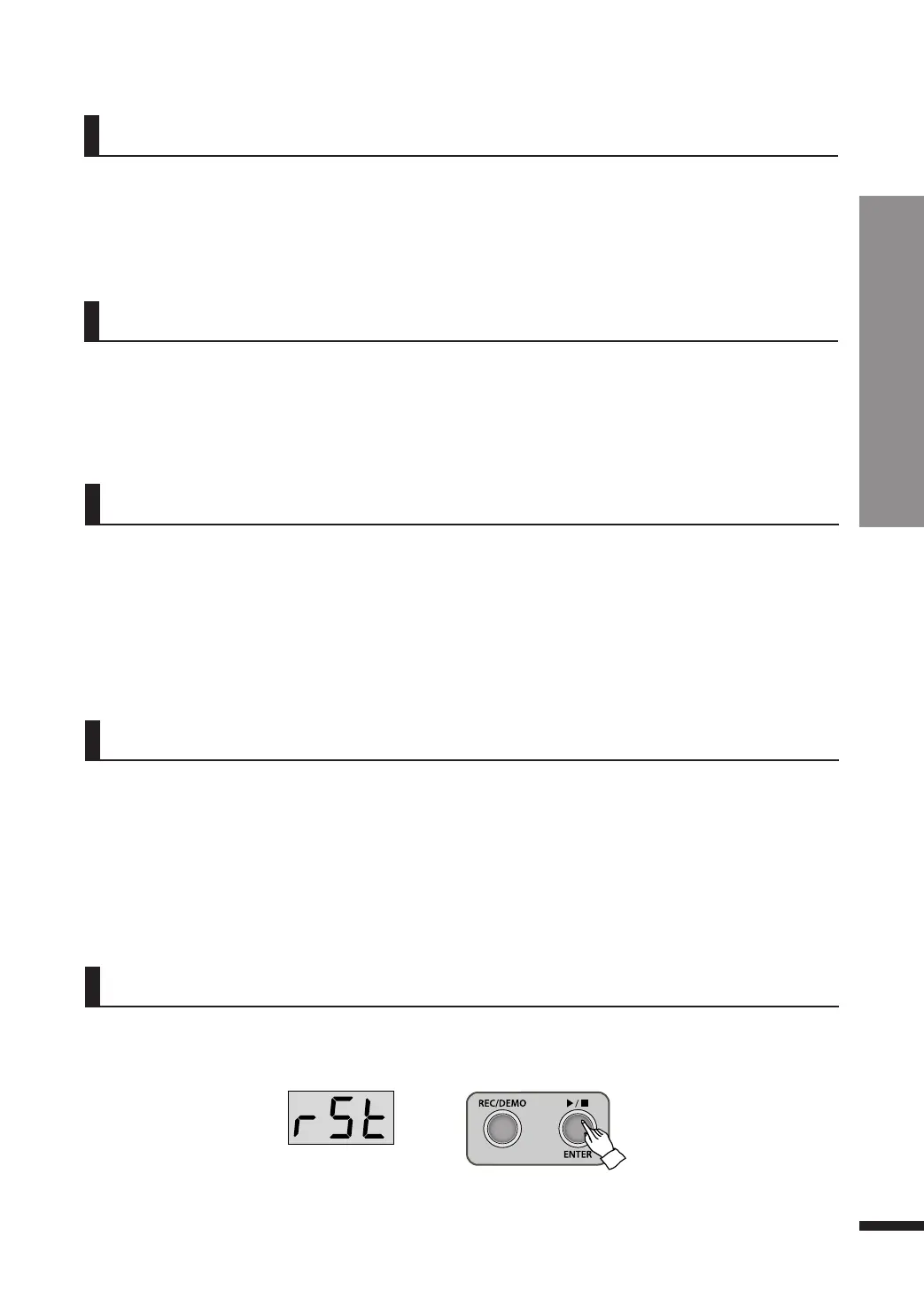
When ‘rSt(reset)’ displays on the screen, press ▶/■/ENTER button. Then all settings will be initialized
and the LED will show ‘---’.
☞ While the LED showing ‘rSt’, press SETUP button once again if you don’t want to reset the settings.
☞ Refer to page 23 for using the SETUP button.
Reset



 To Next Page