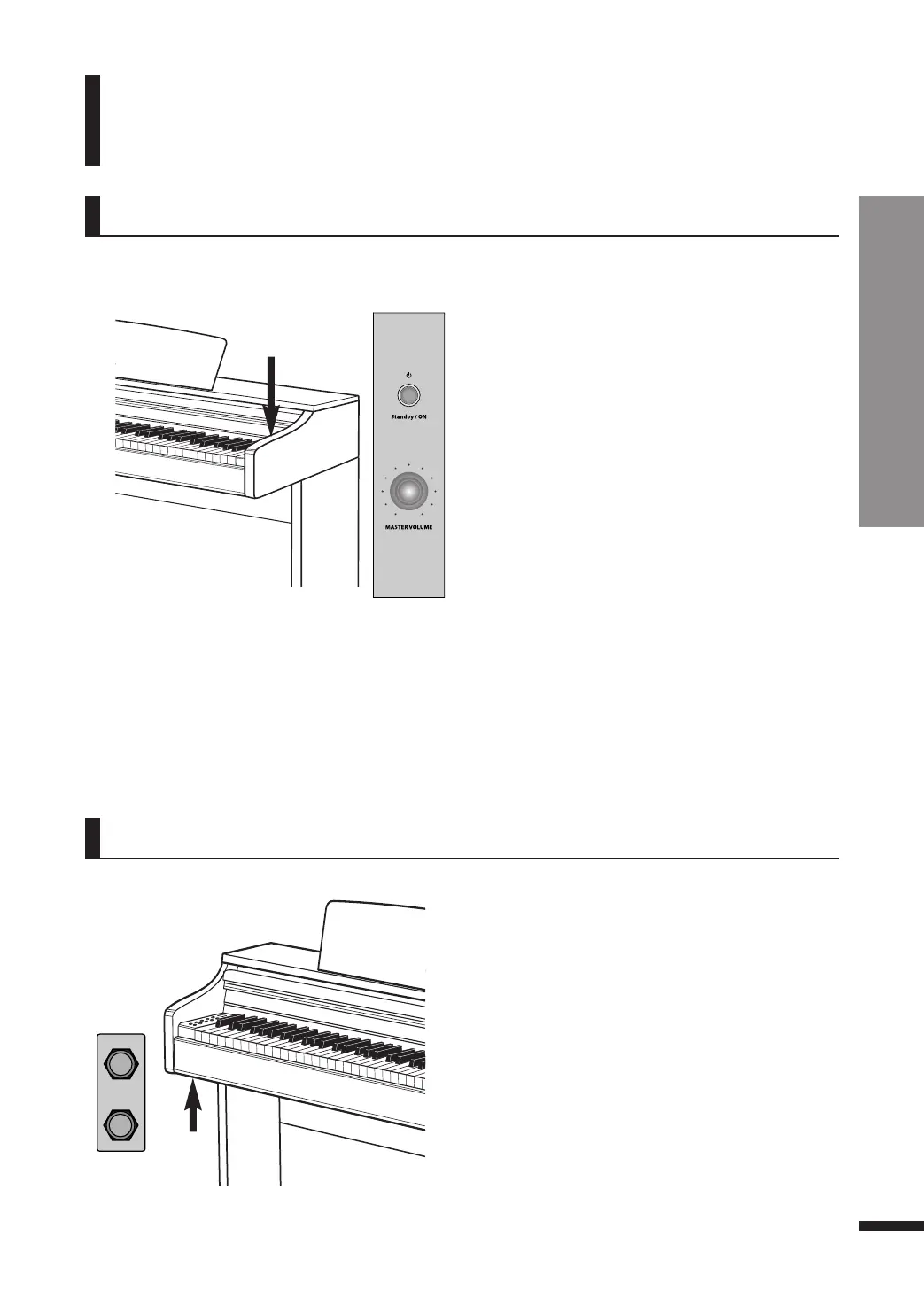
Power Switch
Parts
Power Switch / Headphone Jacks
8
Parts
Headphone Jacks
Two headphone jacks are located on the left beneath
the main unit.
☞ When a headphone is connected to the piano, the speakers of
the piano are muted.
☞ Two headphone jacks exist, allowing up to two people to listen
simultaneously.
☞ The type of headphones for use is limited to the stereo 6.35mm
(1/4 inch). If seeking to use the 3.5mm headphones, an extra
converter (3.5mm -> 6.35mm) will be required.
☞ Headphones are sold separately.
Insert the DC plug of the AC adaptor into the
piano and AC plug into a household AC power
outlet, and press the Standby/ON switch to turn
on the piano.
☞ When the piano is first turned on, the initial default voice is
‘Grand Piano 1(G.P1)’
☞ Use the MASTER VOLUME knob to adjust the volume.
All parameters and settings except for the recording are
initialized whenever the piano is turned off and on again.
Auto Power Off(APO)
This product features an auto power management system which turns off the instrument
automatically when left unused for 30 minutes.
Deactivating Auto Power Off(APO)
While holding down the first white key and first black key from the left, press the power switch to
deactivate APO.
Headphone Jacks
Power Switch (on the right of the keyboards)



 To Next Page