Basic Controls
Secondary Volume / Twin Piano
15
Secondary Volume
This determines the volume of the layer and split voice.
When the secondary volume is changed, the layer and split volume will be changed at the same time.
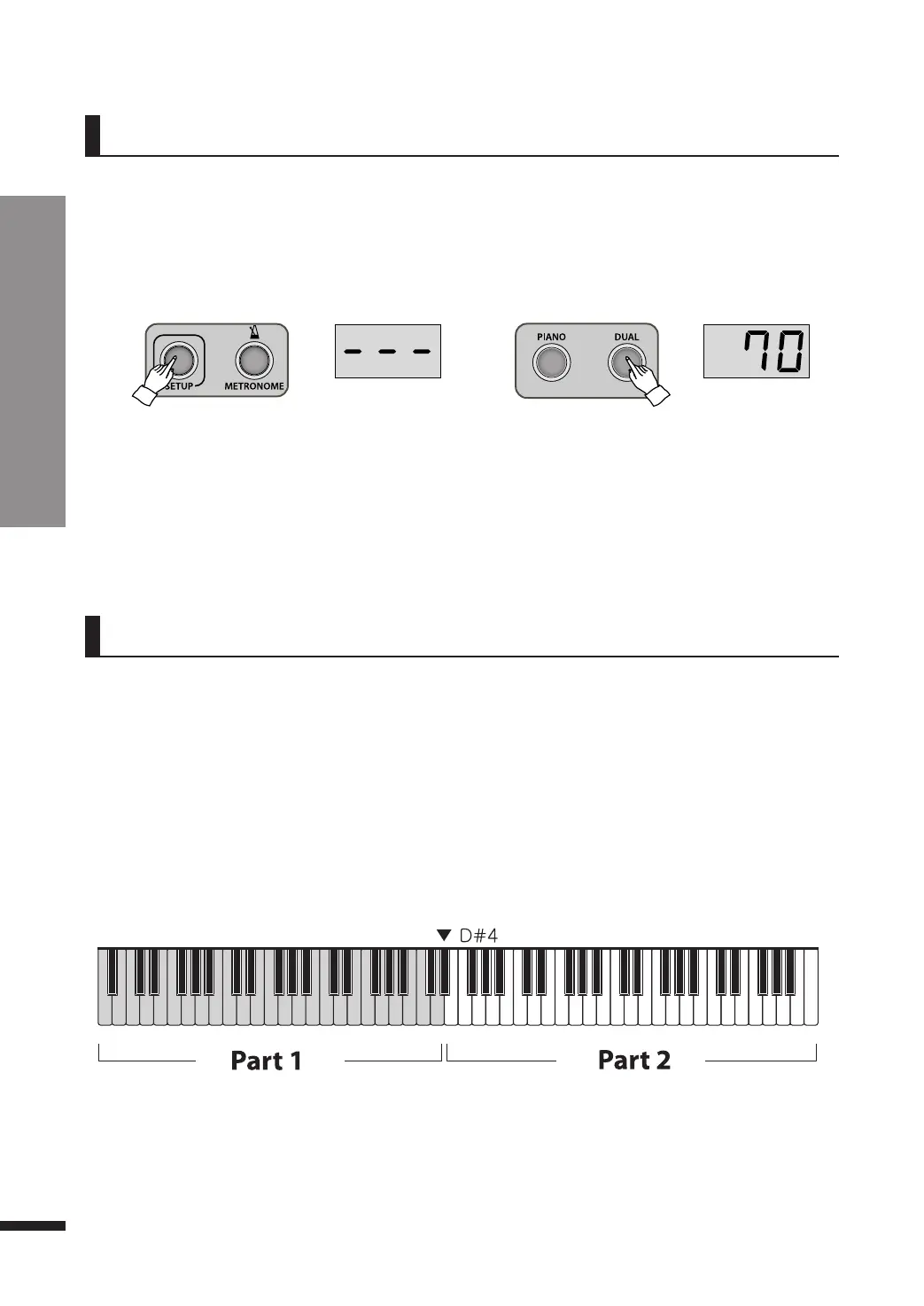
q Press SETUP button once, then press DUAL button.
When SETUP button is pressed, the LED will show ‘---’, then press DUAL button. The LED will show the
secondary volume. Press DATA buttons to adjust the volume.
w Press SETUP button to exit the secondary volume.
☞ Press both DATA buttons simultaneously to restore its default value (70).
☞ Range: 1 ~ 100 (Default: 70)
☞ Keep a DATA button pressed to quickly run through the values.
Default volume
Pressing SETUP
Twin Piano
Twin Piano divides the piano keyboard into two equal smaller ("twin") keyboards with nearly identical
registers. This allows two people to play the piano simultaneously on the same range without running
into each other.
q Select a voice.
Refer to page 12 for voice selection.
w Press DUAL repeatedly.
Not in the dual mode, pressing DUAL button once will set the piano as Layer mode(‘LAr’) and pressing DUAL
button twice more will set it as Twin Piano mode(tn).
After displaying ‘tn’, the twin(main) voice is displayed on the screen. The keyboard will be divided into two parts
with nearly identical registers, with D#4 as the point of division.
e Press DUAL button once again to quit using Twin Piano.
Layer(LAr) → Split(SPL) → Twin Piano(tn) → Quit



 To Next Page