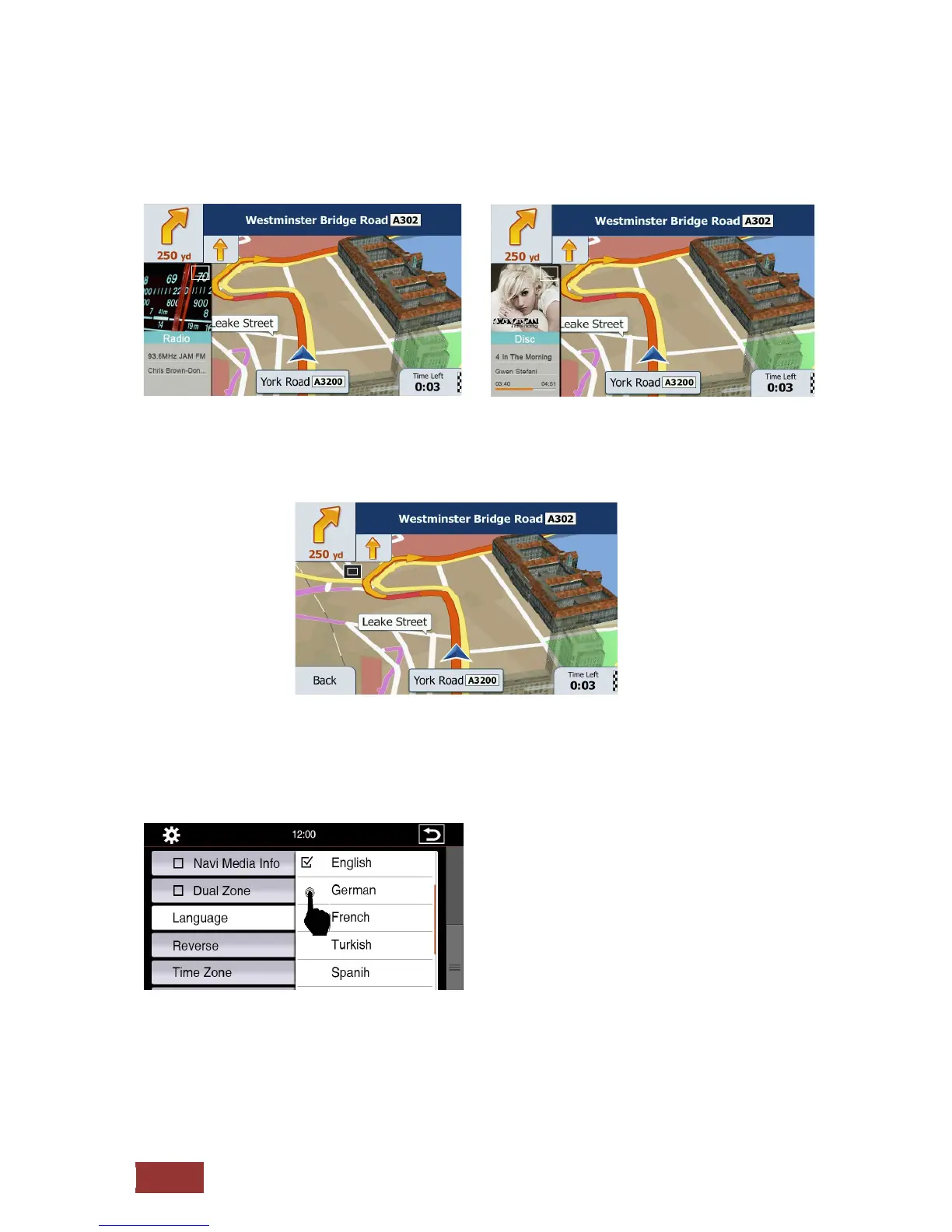
Navi Media Info
If you have enabled this option will be displayed in navigation mode in an additional shot.
You can display a variety of media:
Radio, iPod, USB, Aux and so on
If you need the full navigation screen, you can also reduce the displayed image by pressing the button
in the picture. To represent this again press the button again.
Dual Zone
If you have enabled the option is displayed on the navigation Monitor and played back a movie in the
passenger area.
Language
Here you can set your desired menu language.
You have a choice of up to
10 languages.
It may happen that
in
one of the selected
languages
the
meaning is not clear
to
translate
or
the text
is too long.
Then
it may be that
the
English
text of which is
to be seen.



 To Next Page