Radio function
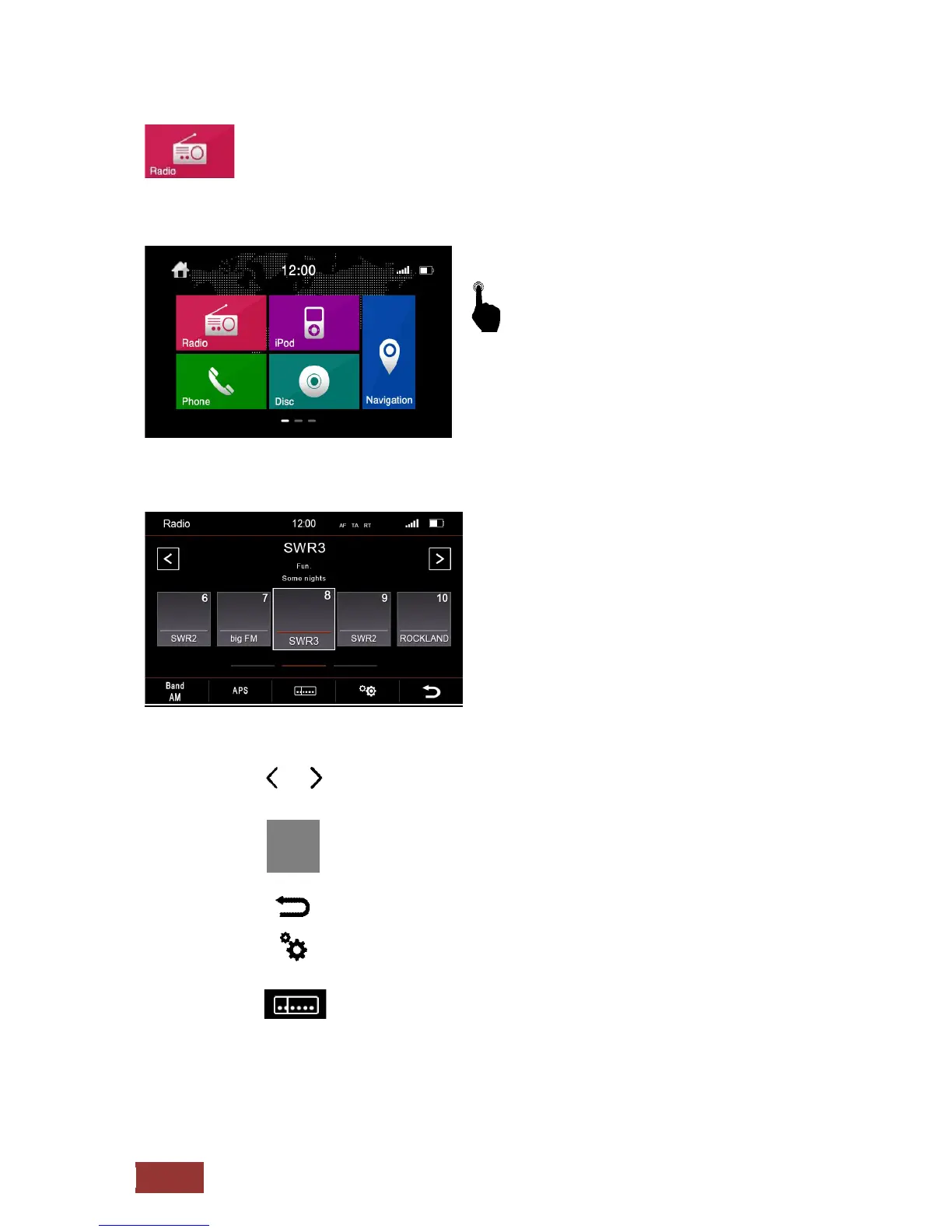
To get to the radio function, press in the Main
Menu the radio icon, or use the radio button
on the front of the device.
Overview of buttons
= Manual tuning
= Station keys 1-15
By scrolling to the left or right to access all presets.
= back to main menu
= Radio options
= Frequency adjust manually
= Automatic search
The five strongest stations will be stored automatic
= Change frequency between AM/FM
APS



 To Next Page