CD/DVD function
To access the CD / DVD feature, insert a disk into the drive, or if already a medium is in the drive,
press the button labeled disc on the front of the device or from the main menu via the touch screen. By
touching the icon Disk
After you insert the disc the playback of the music or movie will start automatically.
To eject the CD again press the front panel button to eject the medium.
If you do not want to eject the media, but want to return to the previous menu, briefly press the SRC
button on the front of the device.
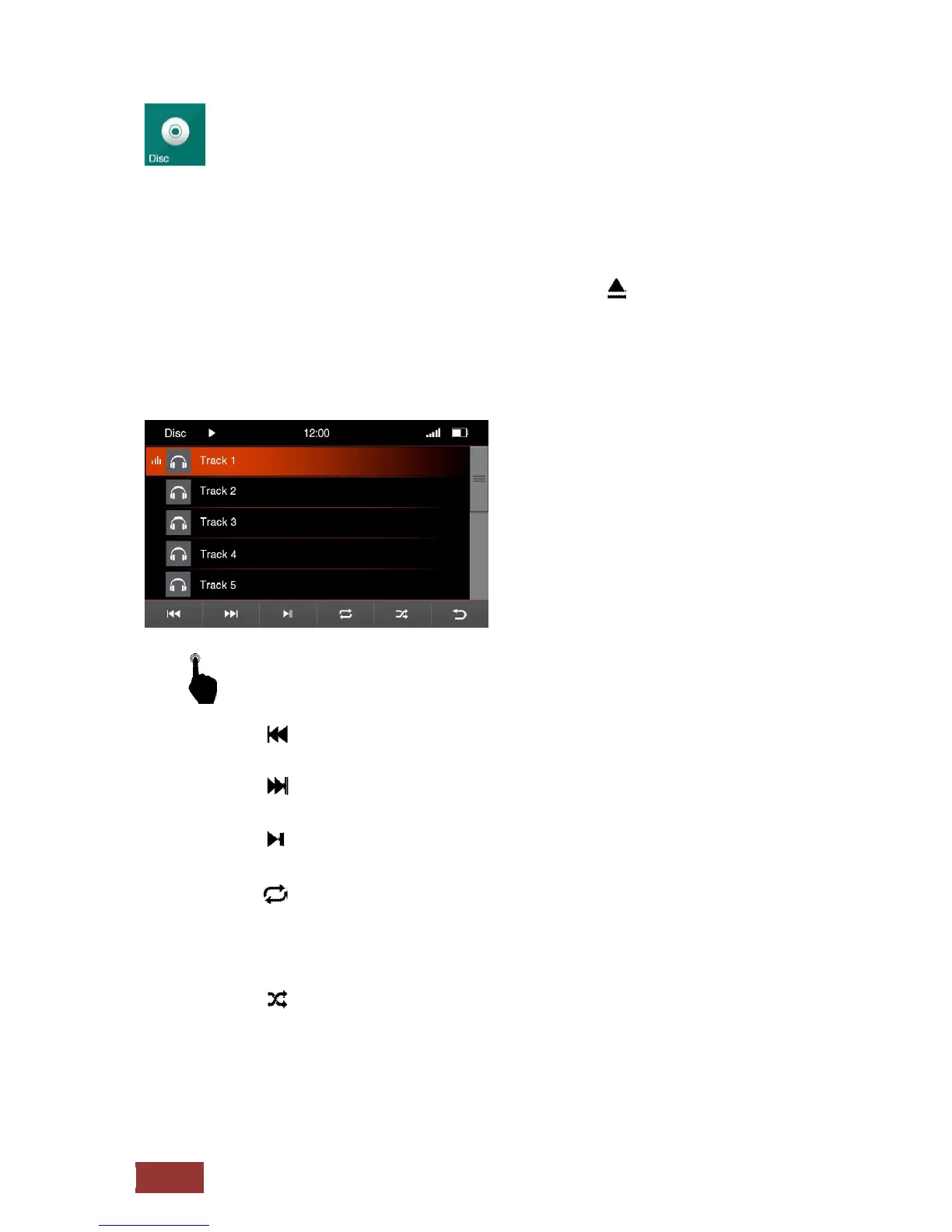
Menu for the music playback via CD / DVD
With a short press on the buttons you can select the following.
Previous track
Next track
: Play / Pause
: Repeat
Press one´s - The song is repeated once
Press twice - The song is repeated at constant.
The symbol for repetition is in the upper line displayed as confirming the
selection.
: Shuffle
In this setting, the songs are purely coincidental from the folder played where
you are.



 To Next Page