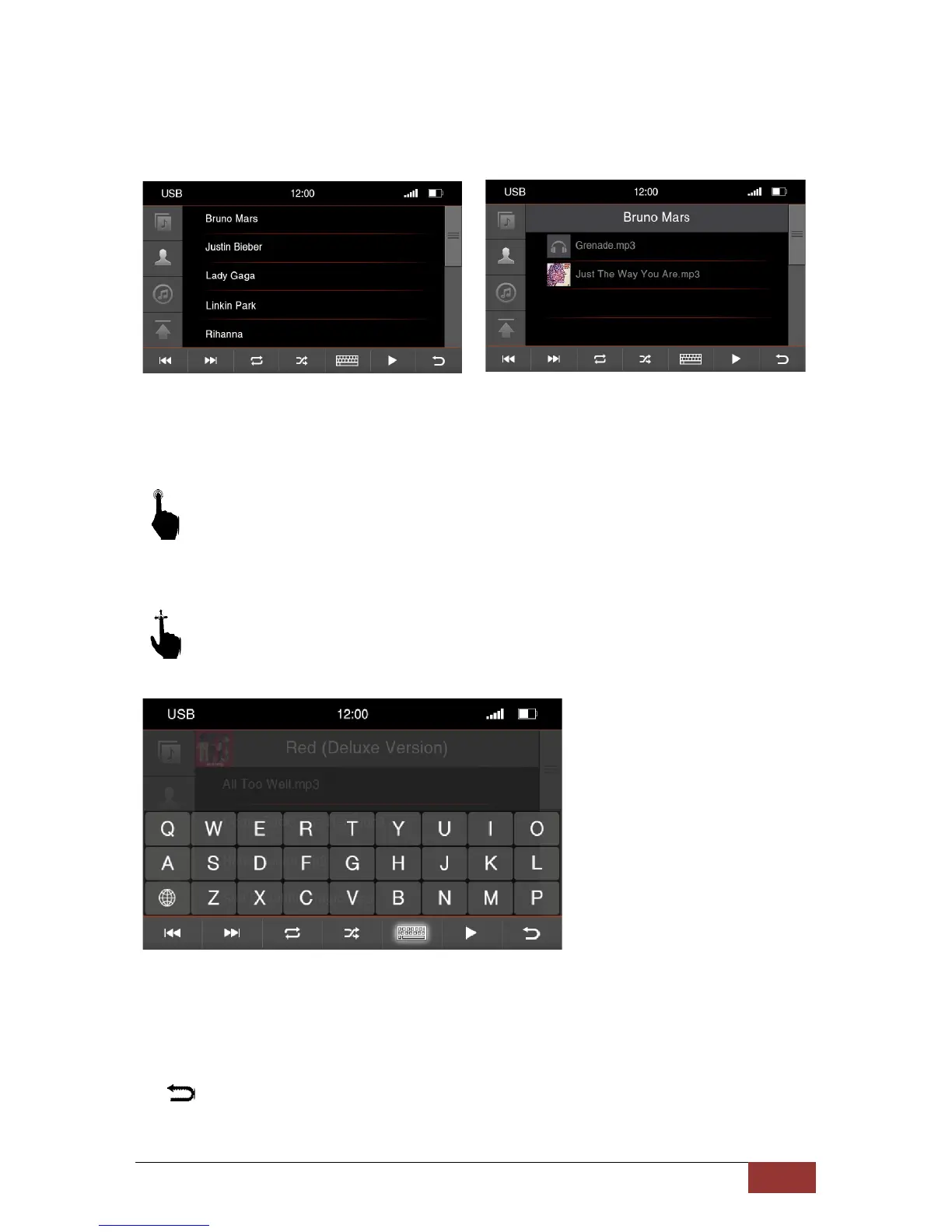
Menu for the Artists
If you will open the menu for the performers all stored artist with name will be displayed to you.
A short press on the name of an artist opens up new window with either all albums of the artist
or the stored songs when no album has been deposited
With a further pressure on one of the saved songs will this be selected or start to play.’
With an up and down motion, you can browse the songs or albums in the table which
is displayed to you.
If you want to browse the contents of the folder, use the search function in the menu. By pressing
the keyboard icon, the virtual input option will be shown. Beginning with the first letter of a title you
can then browse the contents
:
Press this button and return back to the previous menu.



 To Next Page