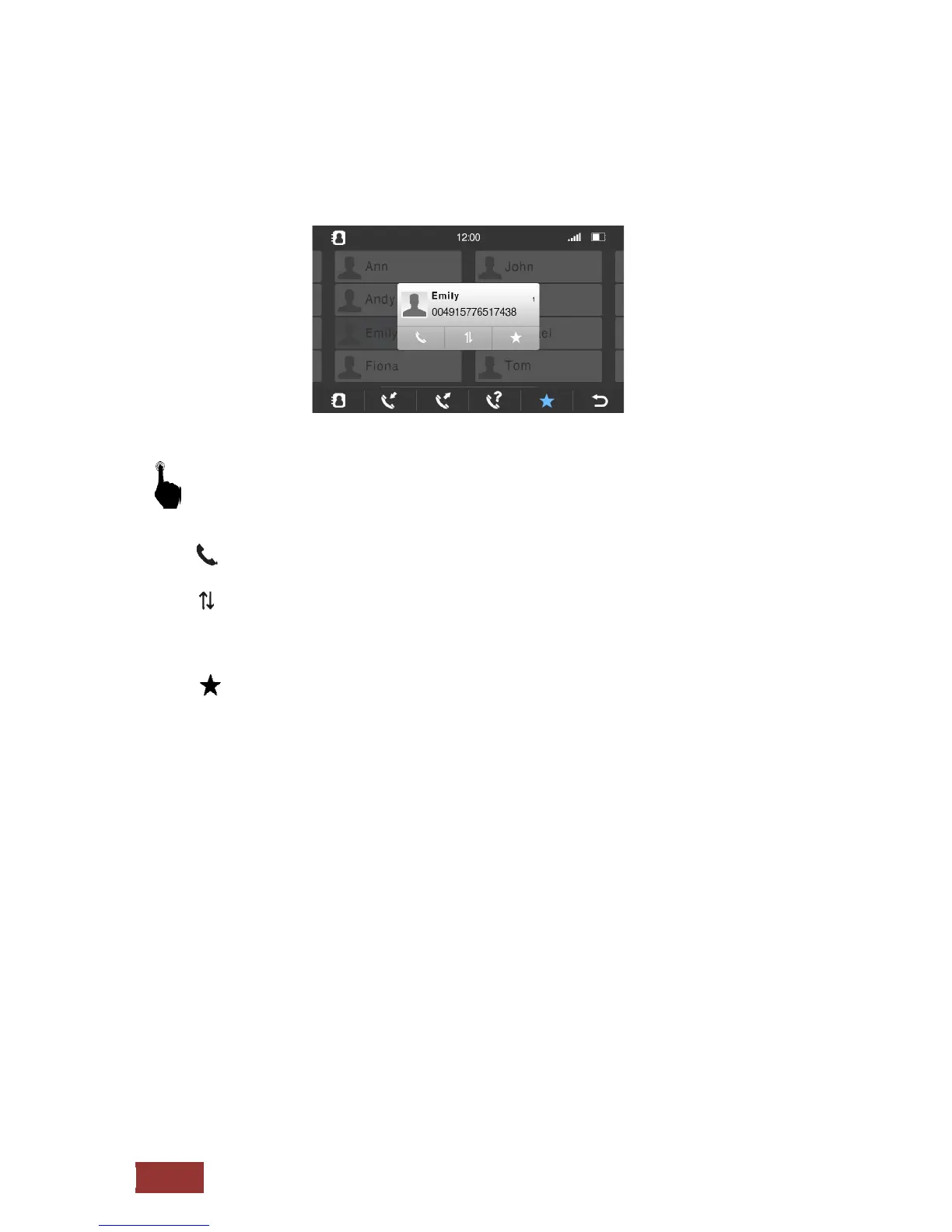
Contact from the phonebook
You can now access the following functions on the three buttons below the contact.
: Call contact
: Select another phone number that is stored under the contact
Depending on how many numbers you have assigned to a contact
You can select this button, the stored numbers
: Save to favorites
From this moment, this contact is also guided to your favorites.
If you connect a different phone with the Dynavin unit, the in-memory contacts are overwritten.
It is only possible to connect one phone to the machine.
Should you connect a phone to the device wherein the transmission of the phonebook has been
deactivated, all entries are so that these can not be grayed out for strangers.



 To Next Page