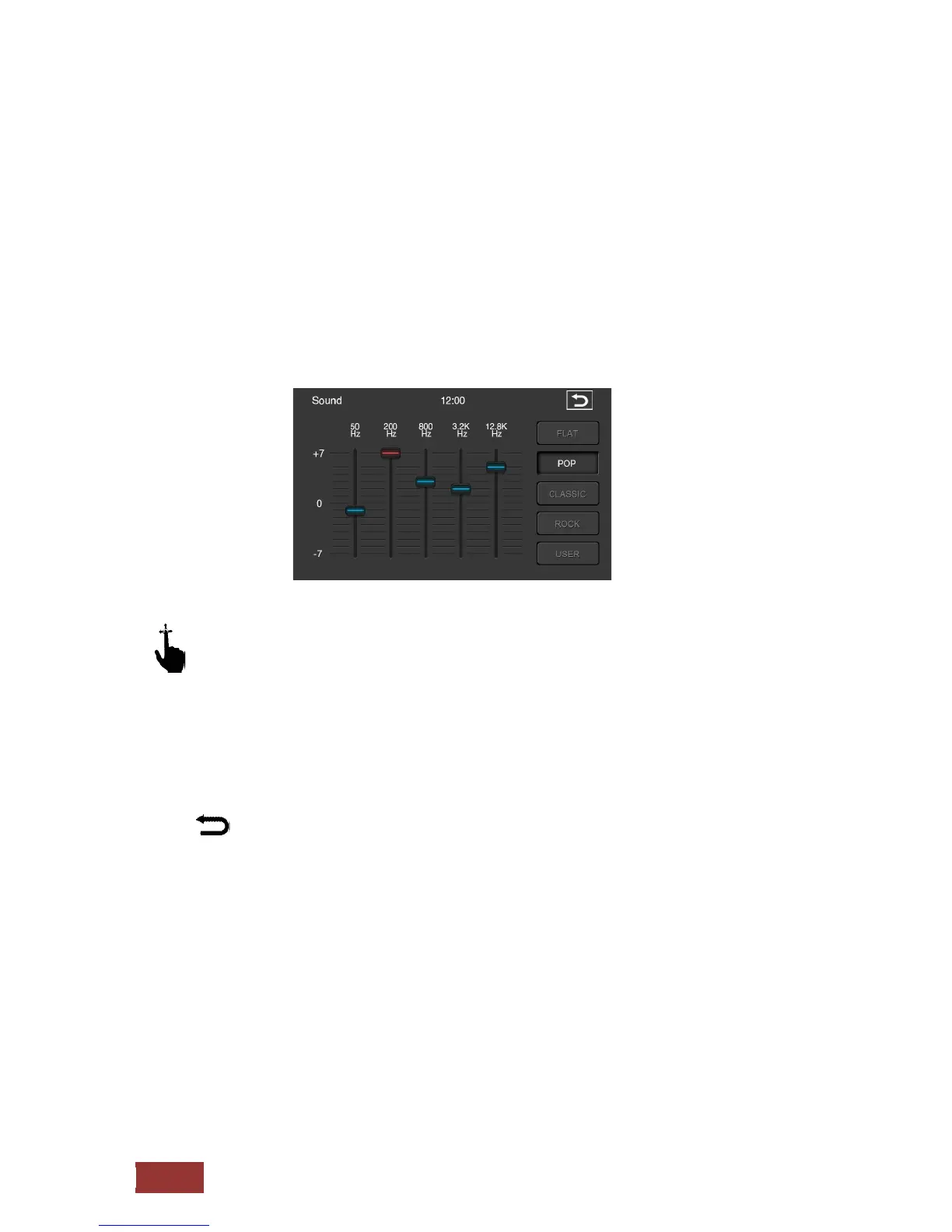
Equalizer
In this menu you have the opportunity to set one frequency in a certain range. You can do this in five
different frequency ranges. 80 Hz, 320 Hz, 1.9 kHz, 6.4 kHz and 12.8 kHz
.
But you have also the possibility to select some preset values.
How, for example, Flat, Pop, Classic, rock, or if you can select the User button to make your own
personal setting.
With an up and down motion scrolling, you can get the scrollbar to the desired position.
To do this, press the scroll bar. If the blue bar turns red you know that the controller is selected
.
:
Press this button and return back to the previous menu.



 To Next Page