iPod function
To access the iPod function, briefly press the touch screen and iPod ® option or press and release the
push button on the front of the Dynavin device is labeled with iPod.
You can only enter the menu if you have also connected an iPod to the unit via USB.
Use only USB to iPod® cable were also given by Apple® free to use. Otherwise, it may result in
malfunction or your iPod® is not recognized by the device.
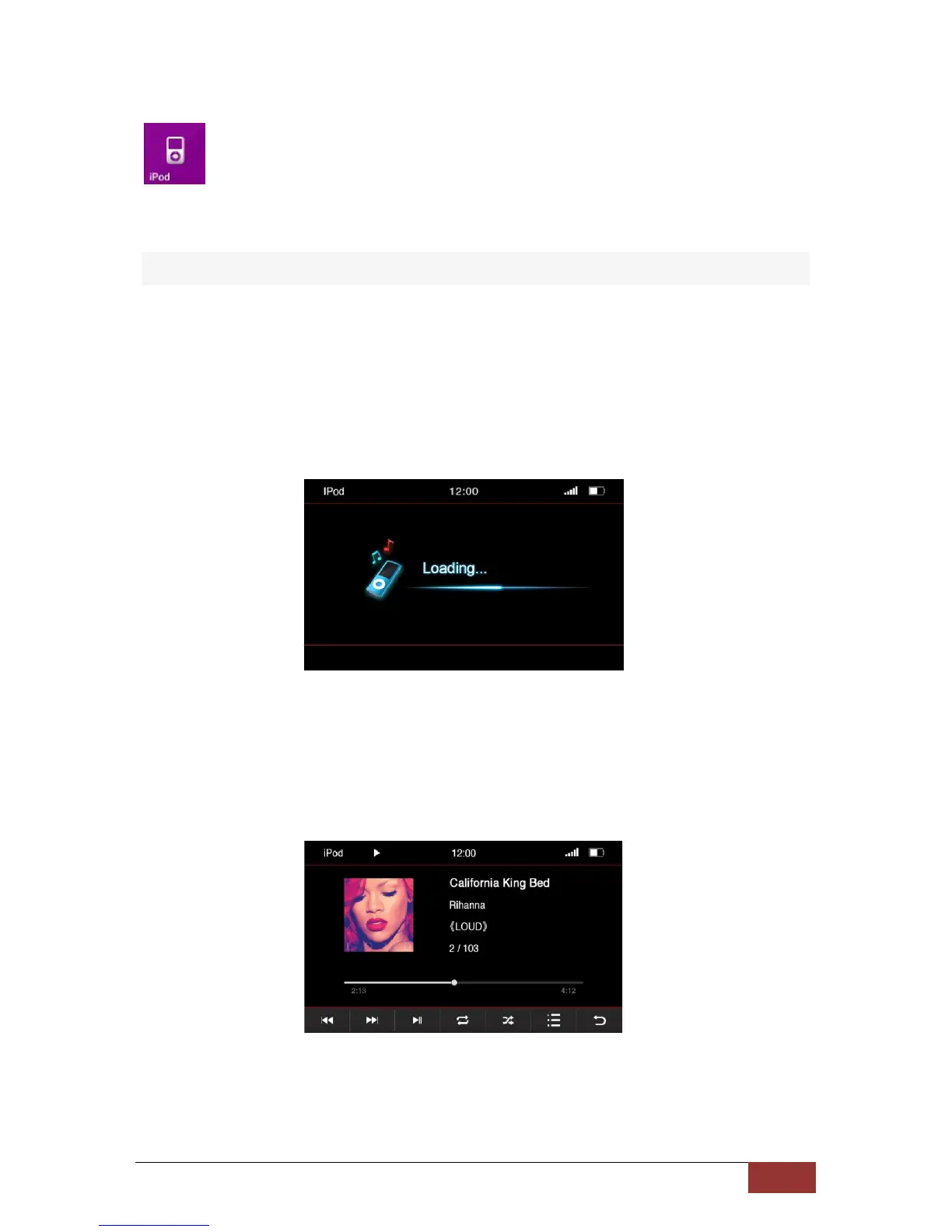
After pressing the iPod button the home screen will open and the contents of the iPod® is charging.
Depending on the size and amount of data, this can take a few seconds.
After all required information has been loaded the playback interface appears on the screen.
You can run almost all of the options as you are used to from your iPod® on the screen.



 To Next Page