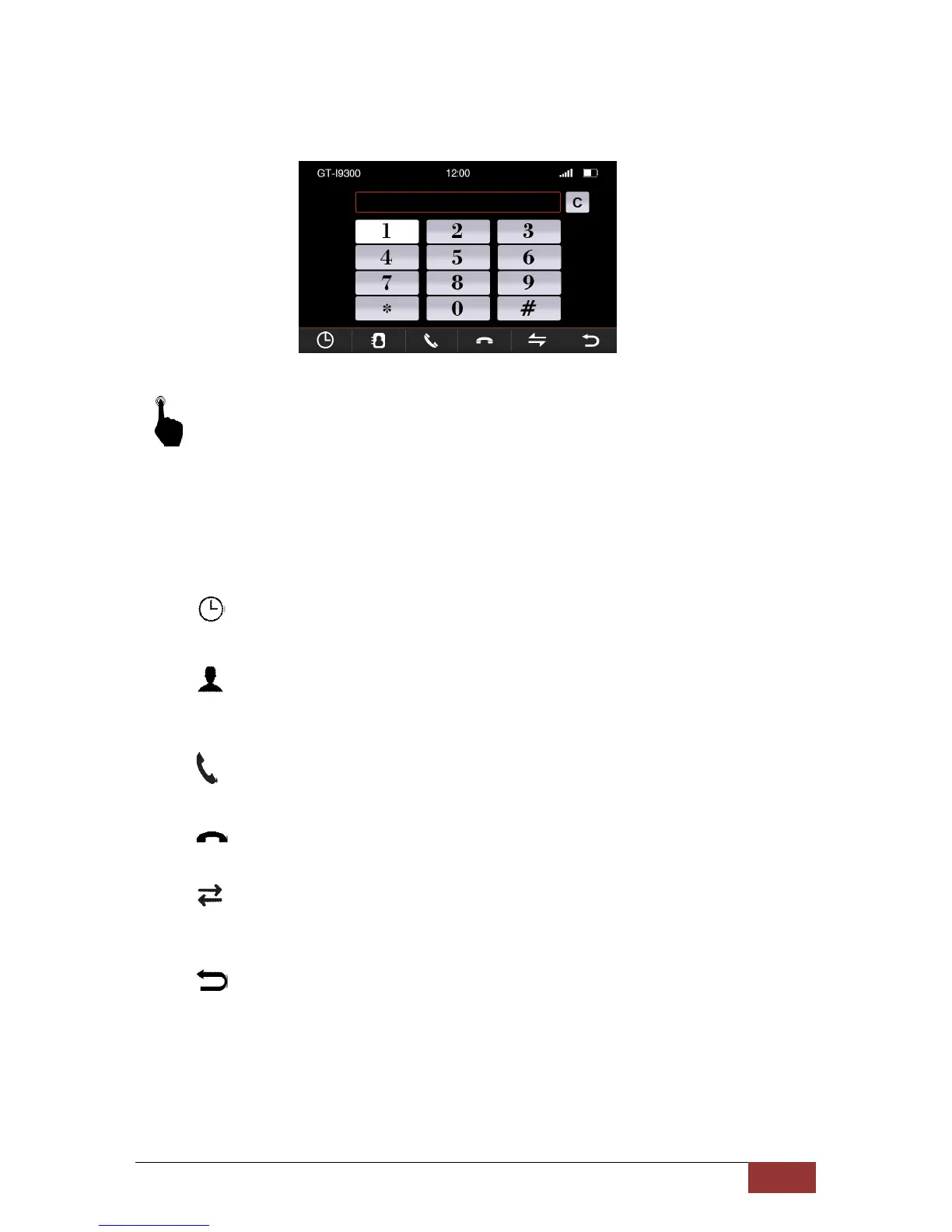
Button functions in phone menu
By a slight pressure on the touch screen, you can call the functions listed below.
C
:
Delete input
Each time you press the button, the last digit is the
deleted entered numbers
:
Call History
Here are the most recent incoming and outgoing calls appropriate
: Phonebook
Here are all the entries from the phonebook of your mobile phone
displayed. When they were transferred.
: Answering a call
Accept incoming calls or call the selected numbers.
: Hang up call
End calls or reject incoming calls.
: Enabling private mode
When calls are not to be reproduced through the speakers but only
over the phone.
: Back to main menu
Call History



 To Next Page