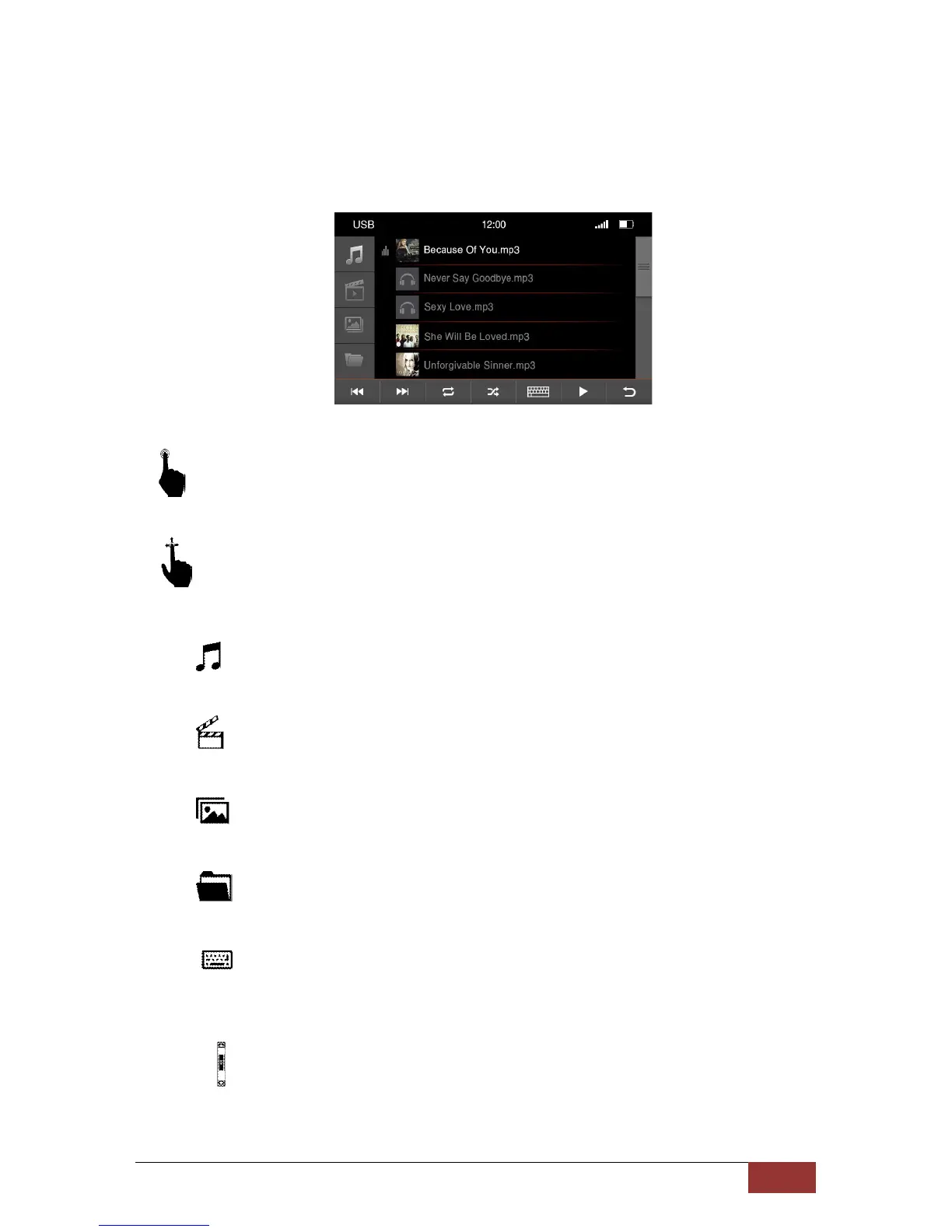
USB Options
With a short press on the buttons you can select the following.
With an up and down scroll motion, you can search the songs, artists, or playlists in the
displayed table.
:
Opens all music information on the USB media
.
:
Opens all movie files on the USB media
:
Opens all image formations on the USB media
:
Opens all the information of the USB stick in a directory structure
:
Opens the Input menu to search
Opens the search window with a virtual keyboard.
:
The scroll bar will show you where you are in the list and gives an indication of how
many files are to be found in the list.



 To Next Page