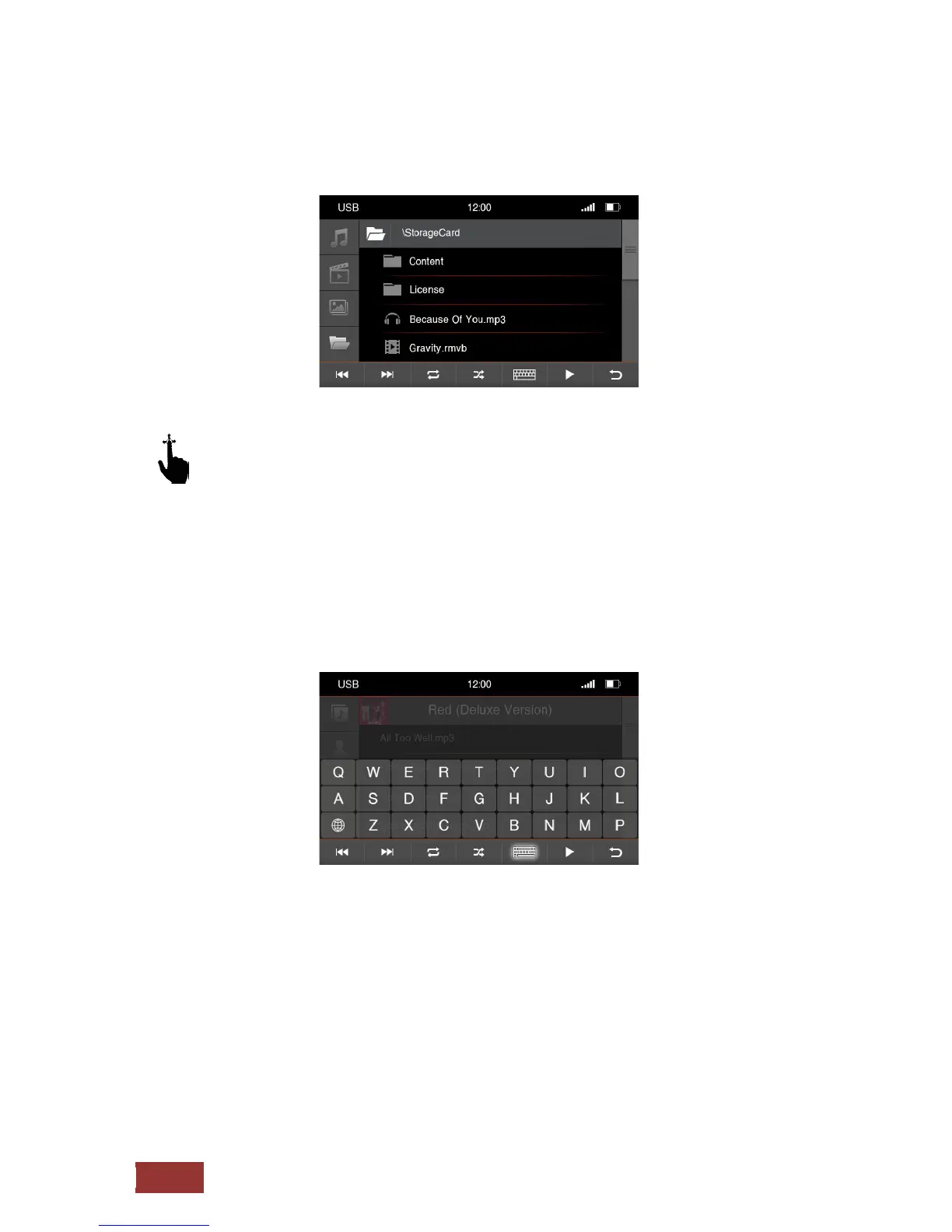
The menu for the folder structure
With an up and down motion, you can scroll the directories in the Browse in the displayed
table.
If you select a folder, you can go to the other sub-directories and then access the desired content.
If you touch the keyboard icon, you can open the search function. By typing on the keyboard, you can
search for specific files and folders.



 To Next Page