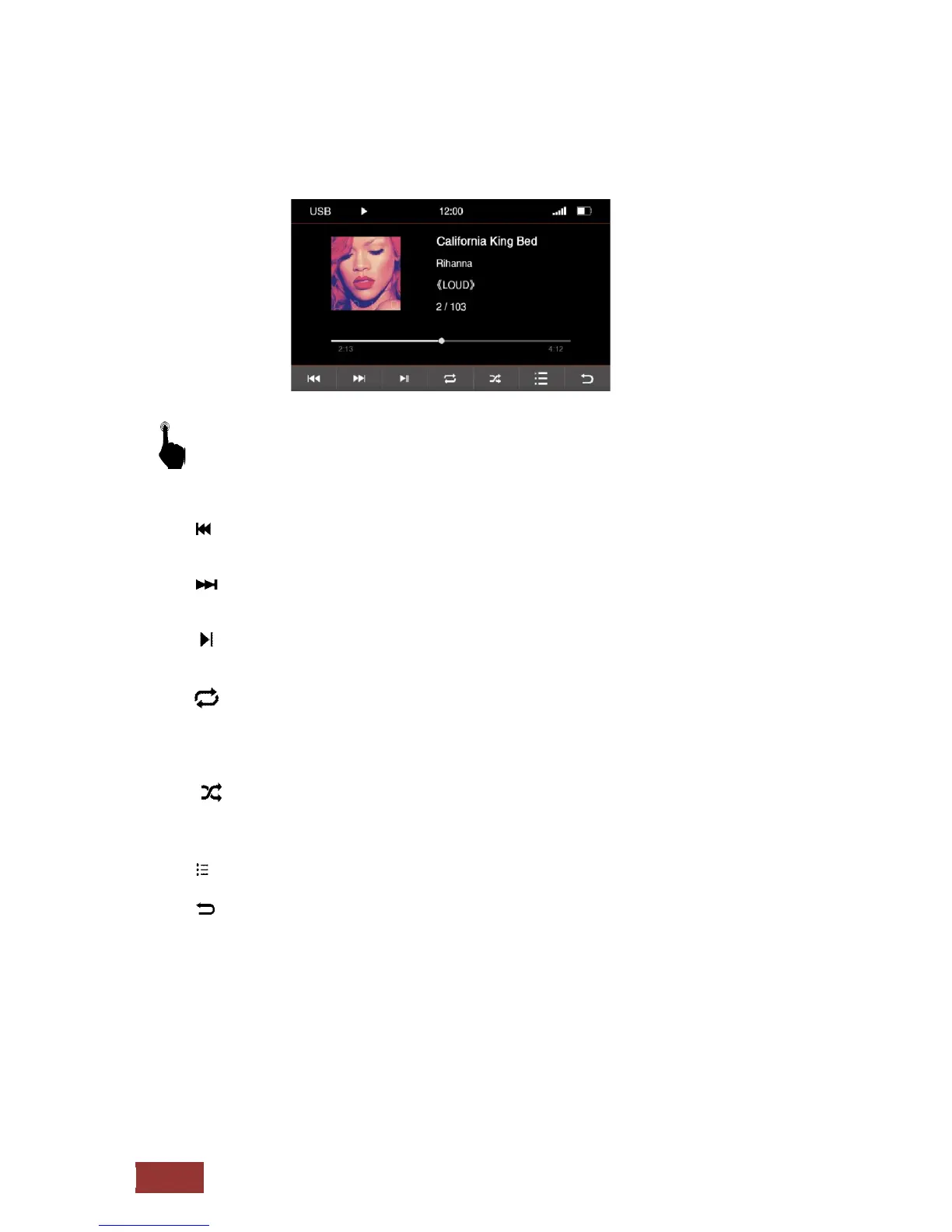
Functions in USB mode
With a short press on the buttons you can select the following.
:
Previous track
: Next track
: Play / Break
: Repeat
Press one´s - The song is repeated once
Press twice - The song is repeated at constant.
The symbol for repetition is in the upper line displayed as confirming the selection.
: Shuffle
In this setting, the songs are purely coincidental from the folder played where you are.
The symbol for Shuffle is in the upper line displayed as confirming the selection.
: iPod® option menu
: Back to main menu



 To Next Page