:
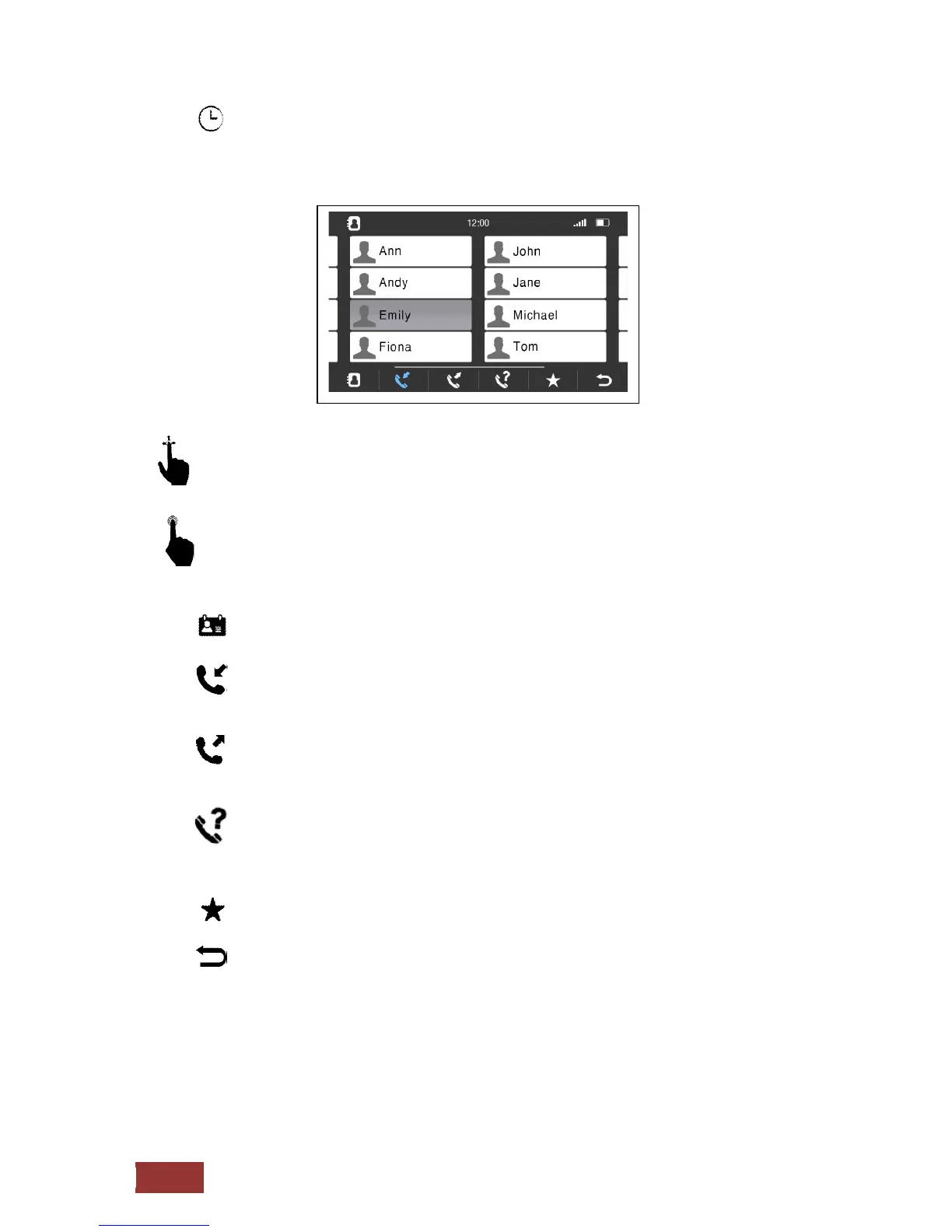
Call History
Here are the most recent incoming and outgoing calls appropriate
By scrolling movement to the left or right, you can call all contacts displayed.
With a short press on the icons you can select the following.
:
Display the Phonebook
:
Calling the last incoming calls
There are the last 20 calls Showing
:
Call the last outgoing calls
There are the last 20 calls Showing
: Call the last missed calls
There are the last 20 calls Showing
: Calling Favorites
: Back to previous menu



 To Next Page