DynaVox Technologies
56
Selecting Templates for Quick Page
Before using Quick Page to create new pages, follow these steps to select at least one template:
1. Select the pull-down menu button in the title bar
at the top of the touch screen.
2. Select Setup in the main pull-down menu.
3. Select Setup Menu in the second pull-down menu.
The Setup menu will open.
4. Select the Interface Features button. The
Interface Features menu will open.
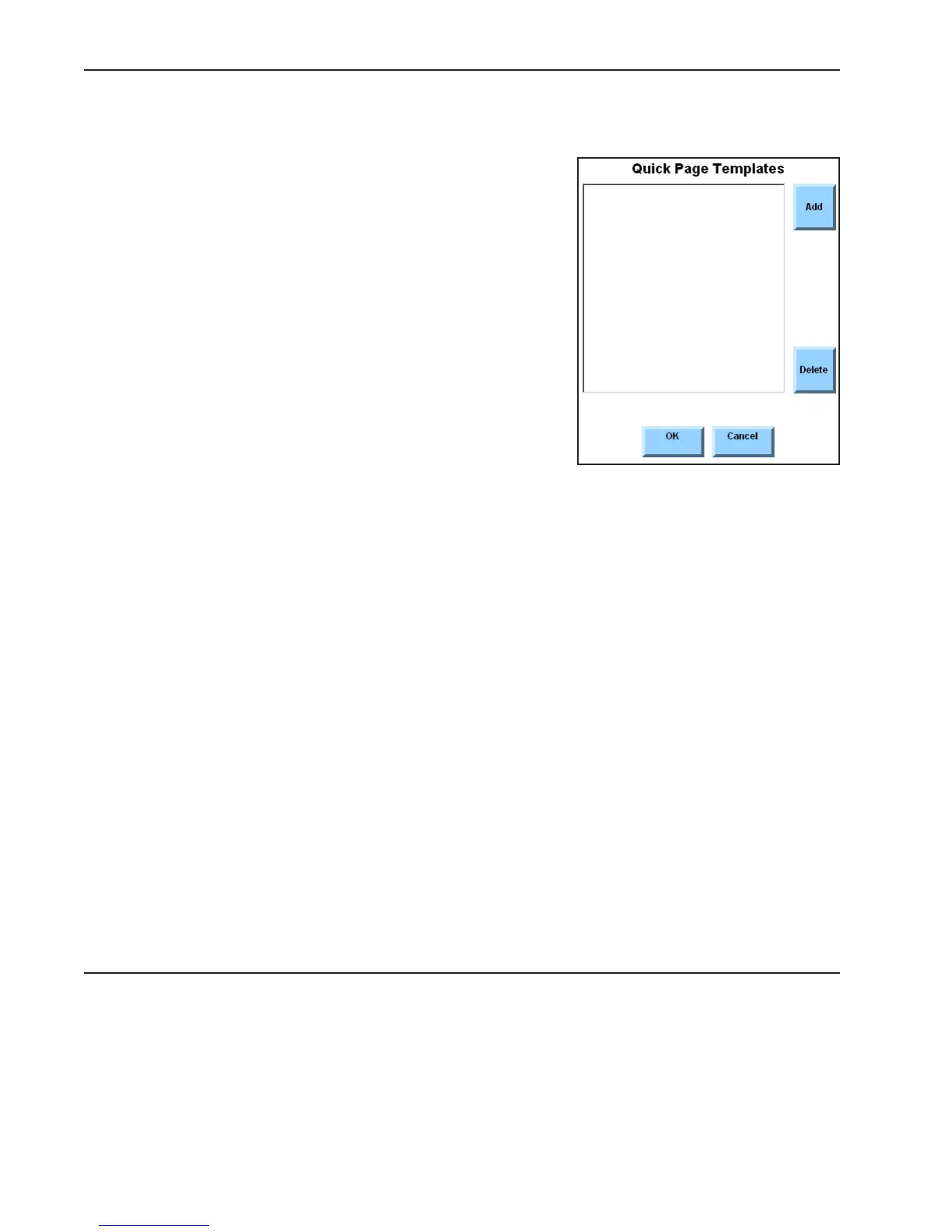
5. Select the Quick Page Templates button. The
Quick Page Templates menu will open.
This menu features a large viewport where a list of selected
templates can be created. The Add and Delete buttons to the
right of the viewport can be used to edit the list.
6. Select the Add button. The Select Template menu will open.
The left viewport in the Select Template menu contains a list of the page sets. Each page set is displayed
as an individual folder. When a page set folder is selected, the right viewport will display a list of the
templates that compliment the page set. When the Select Template menu opens, the page set that you
are currently using will be selected and the templates in the right viewport are intended to be used with
the set of pages that is open on your device.
7. In the right viewport, select the name of the template you want to use.
Note: If you want to select a template from another page set, use the scroll buttons beside
the left viewport to look through the available page set folders. Select the folder for
the page set you want to use and then select a template from the right viewport.
8. Select the OK button to close the Select Template menu. The name of the template you
selected will now be displayed in the Quick Page Templates menu.
9. If you want to select another template, repeat steps 6 through 8.
10. Select the OK button to close the Interface Features menu.
11. Select the OK button to close the Setup menu.



 To Next Page