Tower ESS User Manual
22
©Dyness reserves the copyright of this document.
4. Check the system output voltage.
• Use a multimeter to measure the output voltage on the positive and negative ports of
the BDU.
• The output voltage should be in the voltage range as shown in “Table 2-1 Tower
system parameters”.
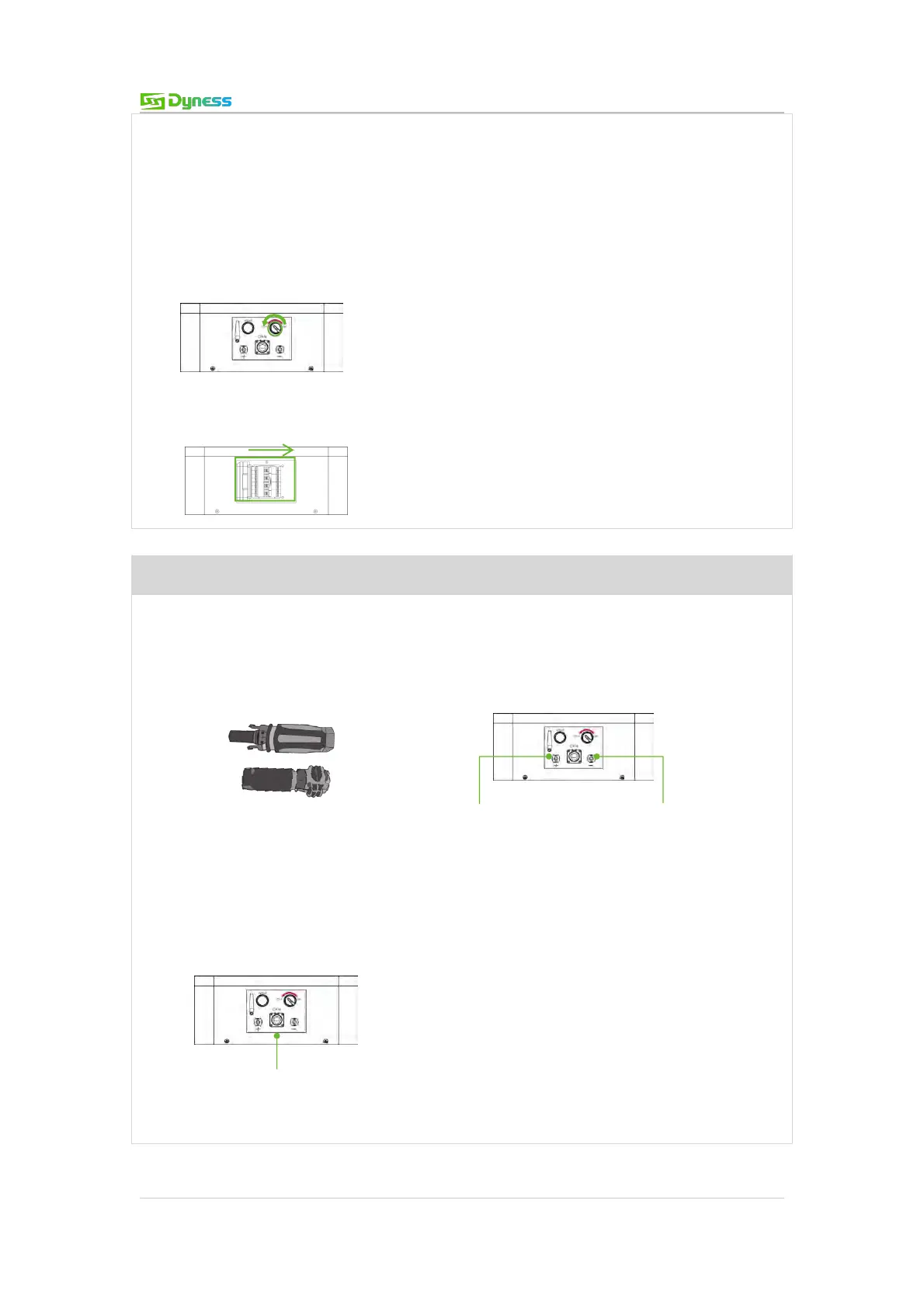
5. Switch the ON/OFF switch off.
6. Switch the BDU DC BREAKER to OFF position.
Step 3 Connecting inverter
1. Connect the external power cable to the inverter
(If the 2m power cable is too short, please use a power cable with same specifications with
max 3m length.)
2. Connect the EXT-CAN/RS485 communication cable to the inverter RJ45 CAN/RS485
port.
Connect to inverter RJ45 CAN/RS485 communication port
Connect to inverter
DC+ terminal
Connect to inverter
DC- terminal



 To Next Page