Tower ESS User Manual
©Dyness reserves the copyright of this document.
21
Table 3-2 Battery system self-test
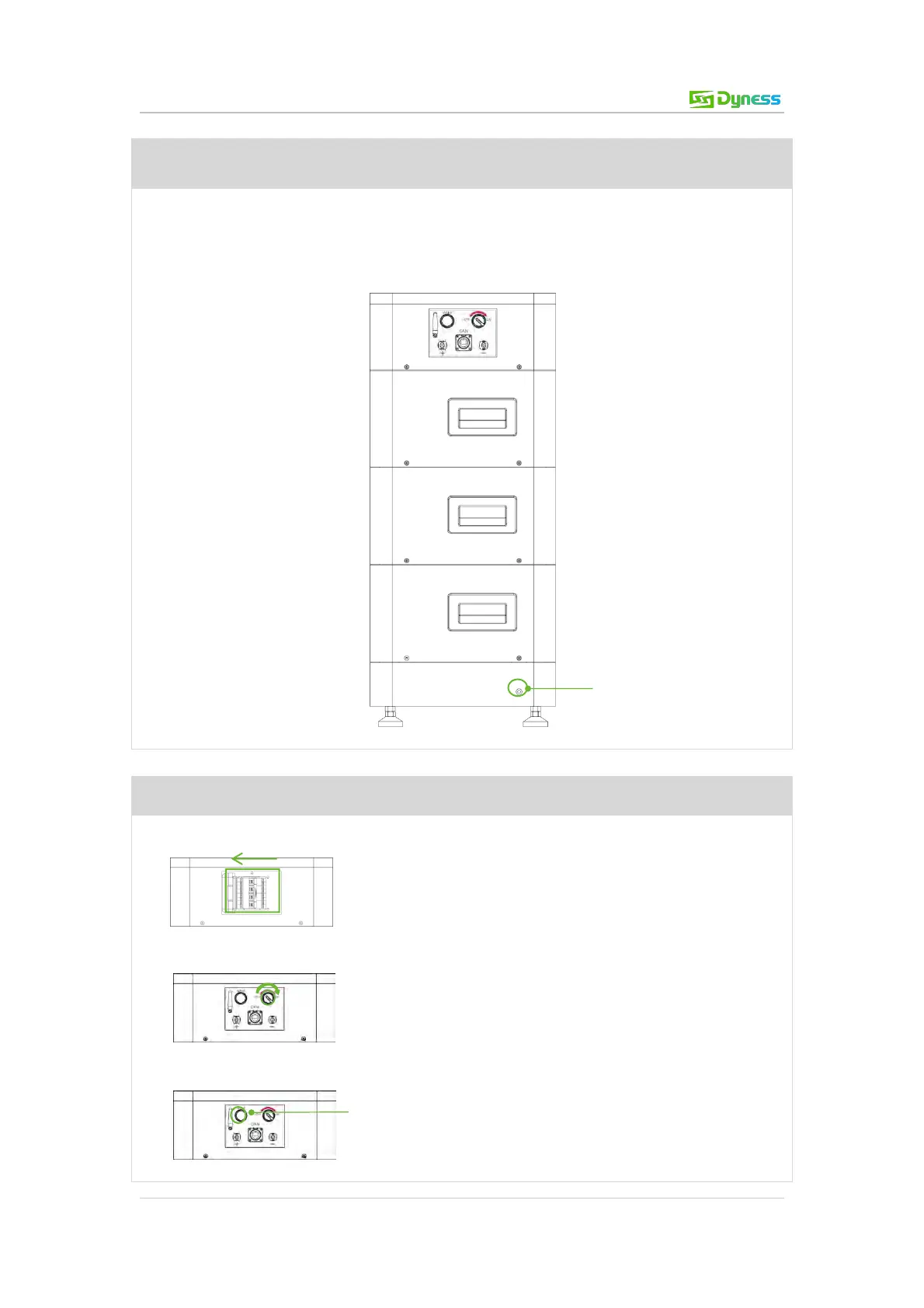
Step 1 Electrical installation
Battery system grounding
(After the HV9637 module is stacked, it is fixed with two screws each left and right. Then
the shell surfaces of the upper and lower modules are screwed together. There is a special
docking point at the bottom of the battery base. See bottom right.)
Step 2 Battery system self-test
1. Switch the DC breaker of the BDU on.
2. Switch the ON/OFF switch on
3. Press and hold the WAKE button for approx. 10s.



 To Next Page