EN
DYON LIVE
40
Hearing Impaired
Press ▼/▲ button to select Hearing Impaired, and then press Enter button to select On or
Off.
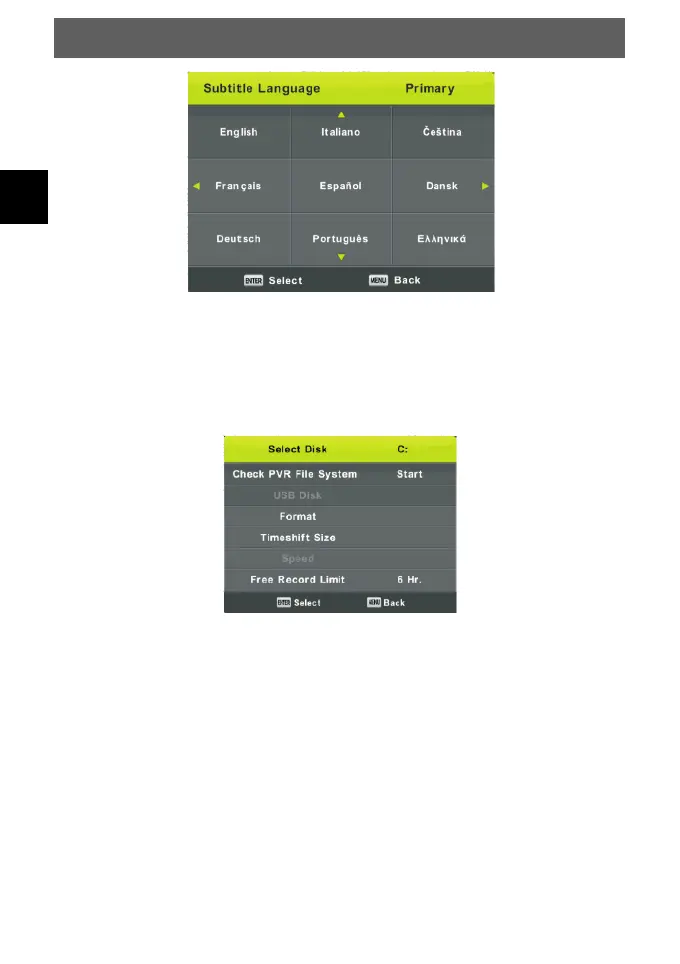
PVR File System
Press ▼/▲ button to select PVR File System, then press Enter button to enter sub-menu.
Press ▼/▲ button to select Check PVR File System, and then press Enter button to enter.
Then it will check the USB speed.
Aspect Ratio
Press ▼/▲ button to select Aspect Ratio, then press Enter button to enter sub-menu.
Press ▼/▲ button to select aspect ratio. (Available options are: Auto, 4:3, 16:9, Zoom1,
Zoom2).



 To Next Page