10.2. Using the Device
10.2.1. Switching off the Device
You can switch off the boiler by holding down the ON/ OFF button for 3 seconds. LCD light will be OFF
after 1 minute.
Anti-freeze function remains active.
11. CONTROL PANEL
11.1. Functions of Buttons
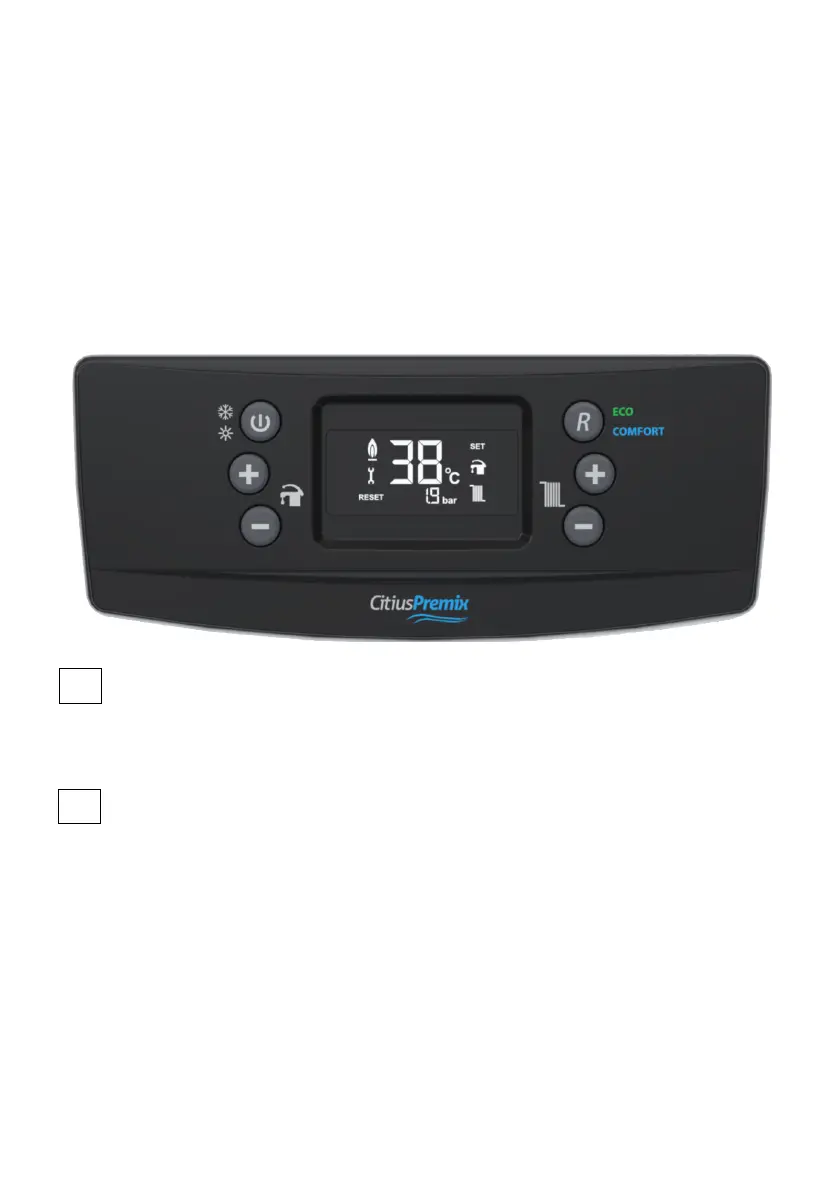
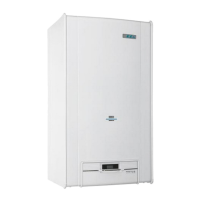
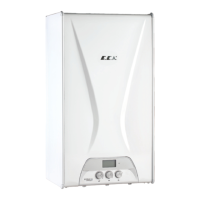
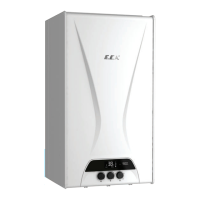
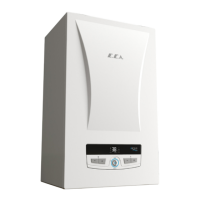
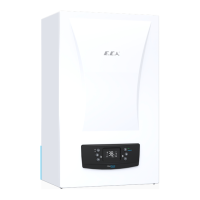
The control panel consists of the relevant elements as shown in figure below.
Figure 18
1
The position can be changed by pressing the position selection button once to change between the
winter mode and the summer mode. If the button is pressed for 3 seconds, the device will switches
into "standby" position. It will suffice to press the button once to get the device in operation position.
2
Reset Button
Main functions:
• Exit from lockout error (EXX)
• ECO mode activation
• Comfort mode activation
When your device fails, the error code will start flashing on the display. There are 2 types of errors,
lockout (EXX) and blocking (FXX) error. When a lockout error condition occurs (EXX), the error must
first be corrected so that the error code can be removed from the LCD screen. After pressing the
"Reset" key once, the device can switch back to normal operation state. As for a blocking error, the
fault cannot be removed from the LCD display pressing the "Reset" button (FXX). When this error is
corrected, error code is automatically disappears from LCD screen.
The first time the device starts, it will start working in Comfort mode.
Once the Reset button is pressed when operating in Comfort mode, the device will switch to Eco mode.
Then when Reset button is pressed again, the unit will switch to Comfort mode.
1 2
3
4
5
6
Position Selection Button



 To Next Page