47
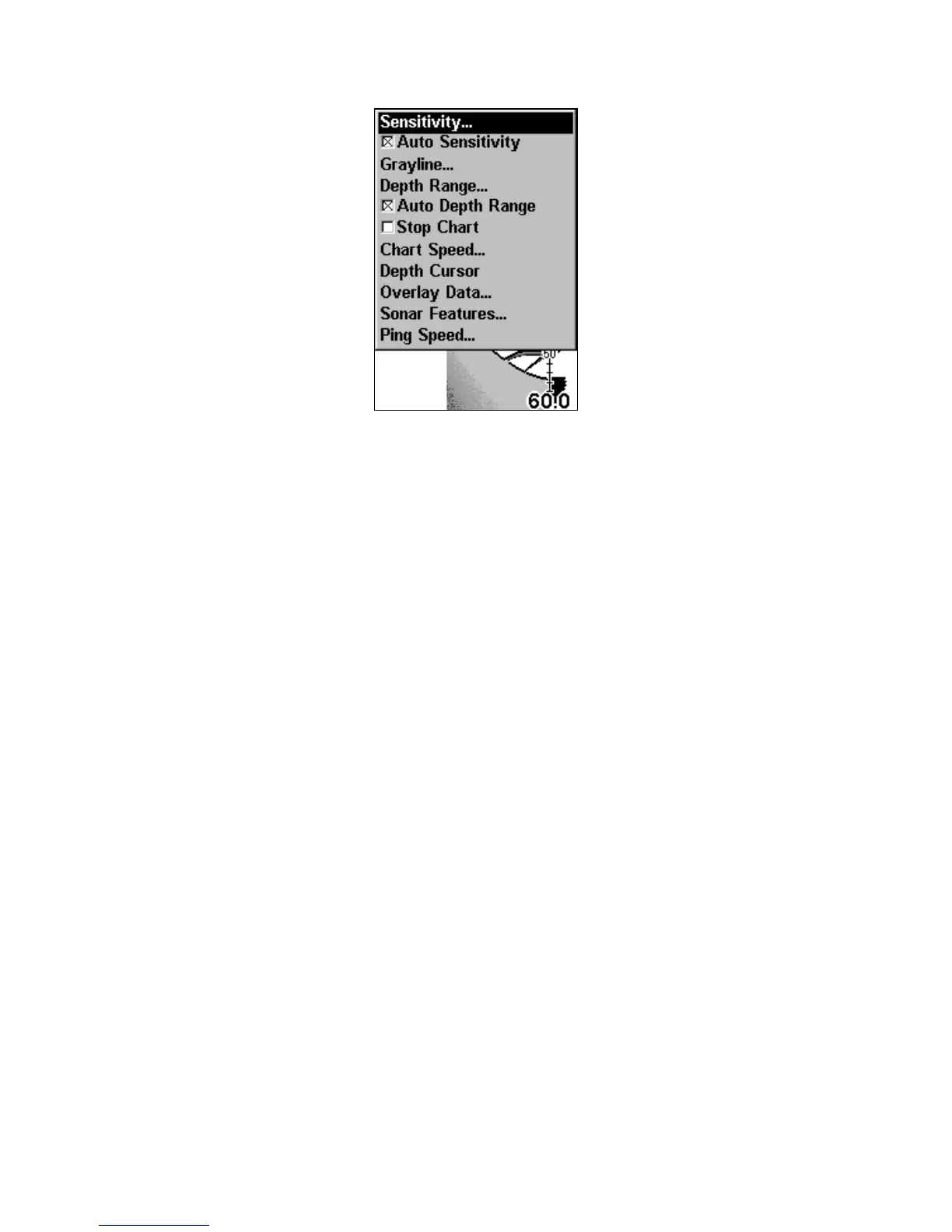
Sonar Page Menu.
Sonar Menu Commands
Sensitivity: sets threshold of sonar echoes shown on sonar chart.
Auto Sensitivity: automatically adjusts sensitivity based on depth.
GrayLine: separates fish and structure near the bottom from the
actual bottom and defines bottom composition/hardness.
Depth Range: manually sets the depth range shown on sonar chart.
Auto Depth Range: automatically sets the depth range shown on the
sonar chart to always keep the bottom in view.
Stop Chart: stops the sonar chart from scrolling. Used when you want
to freeze the image for closer study.
Chart Speed: sets the scrolling speed of sonar chart.
Depth Cursor: displays a cursor line on the sonar chart which allows
you to accurately measure the depth of a sonar target.
Overlay Data: chooses what types of information (such as water tem-
perature) to display on sonar screen.
Sonar Features: launches the Sonar Features menu which controls
options including, sonar chart mode, auto depth, surface clarity, noise
rejection, Fish I.D. and the zoom and zone alarm bars.
Ping Speed: sets the rate at which sonar pings are made.
www.Busse-Yachtshop.de email: info@busse-yachtshop.de



 To Next Page