48
Pages
The Cuda 250 has three major Sonar display options. They are the Full
Sonar Chart, Split Zoom Sonar Chart and Digital Data.
You access display modes by pressing the
PAGES key. Press → to SONAR|↑
or ↓ to desired page|
ENT. Press EXIT to clear the Page menu.
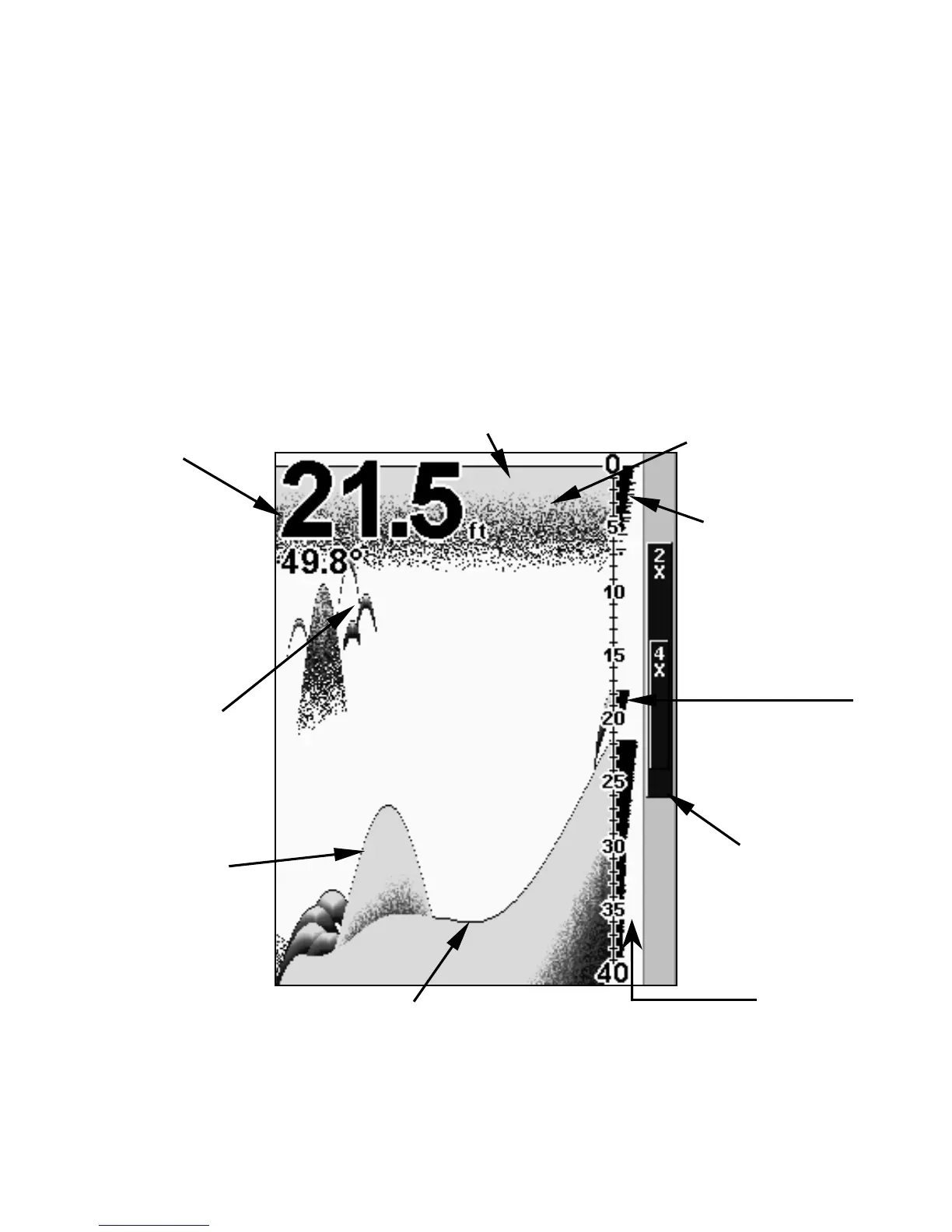
The Full Sonar Chart is the main Sonar display option. This is a cross-
section view of the water column beneath the boat. The chart moves
across the screen, displaying sonar signals that represent fish, struc-
ture and the bottom.
Sonar Page, showing full sonar chart mode.
Surface clutter
Structure
Bottom signal
Fish arches
around
school of



 To Next Page