109
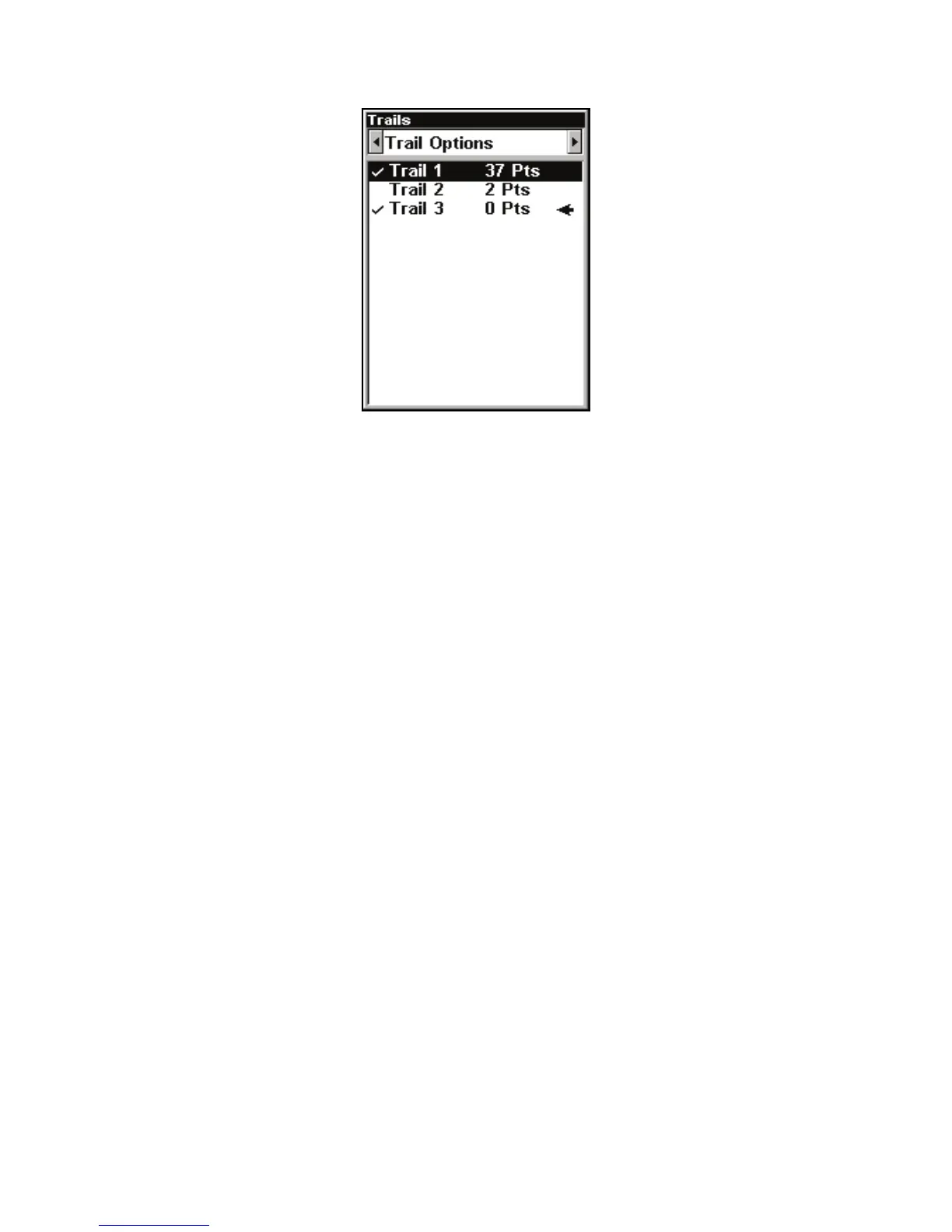
New trail, named Trail 3, is created when Trail 2 is made inactive. Any
new travel will be recorded in this trail, which is active and visible.
Trails do not need to be visible in order to be active.
ou can save and recall up to 10 different plot trails.
Tip:
nother quick way to stop recording one trail and begin a new one
is to use the New Trail command. Press
MENU|MENU|↓ to M
TRAILS|ENT. Use → to select NEW TRAIL and press ENT.
Caution:
You also have the option of completely turning off trail re-
cording, under the trail Options command. If, however, the Up-
date Active Trail option is left turned off, it will cancel the
automatic trail creation feature.
Displaying a Saved Trail
The active trail is automatically displayed on the with the default set-
tings. You can selectively turn trail display on and off for any saved o
active trail. In the Saved Trails List, visible trails have a check mark in
front of the trail name.



 To Next Page