87
Section 6: Basic GPS Operations
This section addresses the unit's most basic
dvanced GPS Operations, will discuss other more advanced functions
and utilities.
Before you turn on the Cuda 350 and find where you are, it is a goo
idea to learn about the different keys, the five GPS Pages and how the
all work together. BUT, if you just can't wait to get outside, turn to the
one-page Quick Reference on page 99.
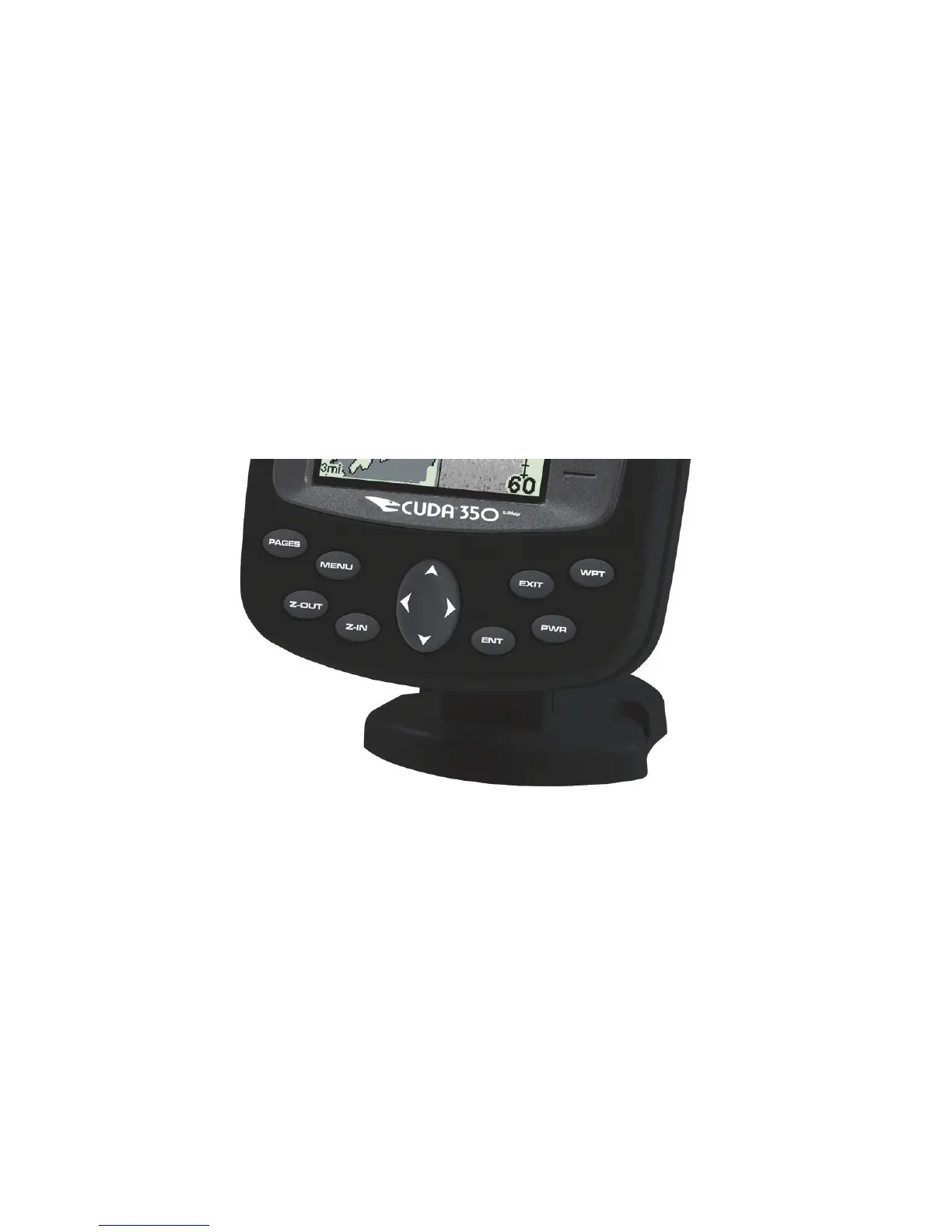
Keyboard
Eagle Cuda 250 S/Map.
PWR – The power key turns the unit on and off and activates the back-
light.
PAGES – Use in conjunction with the arrow keys, the Pages ke
switches the unit between the different GPS Page screens.
MENU – Press this key to show the menus and submenus, which allow
you to select a command or adjust a feature. This also accesses search
functions for streets and intersections.



 To Next Page