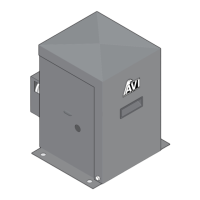
Slide Gate Operators / Eagle I
____________________
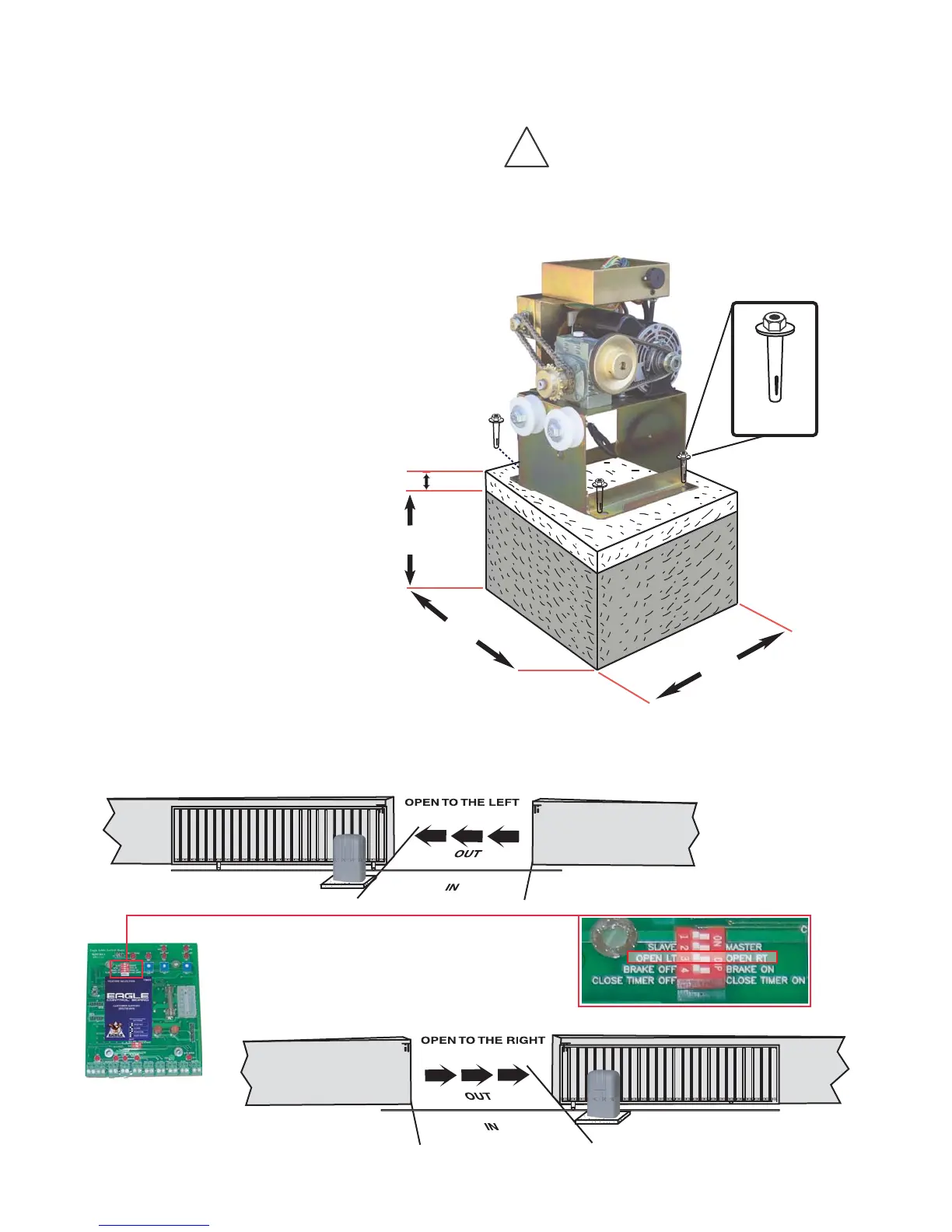
Mounting Operator(s) To A Concrete Pad
CAUTION!
!
Be sure that the operator is installed in a level and paralleled position and is properly secured.
Improper installation could result in property damage, severe injury, and/or death.
The following concrete recommendations
are installation suggestions only.
Please consult local codes for actual
requirements in your area.
Note:
____________________
Selecting Opening Direction of Gate
Eagle Access Control Systems, Inc. / (800) 708-8848 / www.eagleoperators.com
(8)
5"
18"
18"
R
E
D
H
E
A
D
F
A
S
T
E
N
E
R
1/2" x 3-1/2"
Recommended
Dimensions
(Concrete Pad Diagram N.T.S.)
18"
FEATURE SELECTOR
To select the opening direction of the gate, use
the Feature Selector (as shown). Select switch #2
to the "open left" position for left opening. Use switch
#2 to the "open right" position for right opening.
EAGLE
EAGLE


 To Next Page