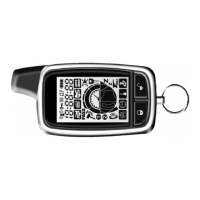
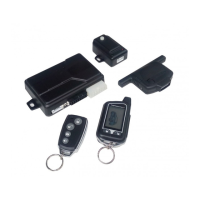
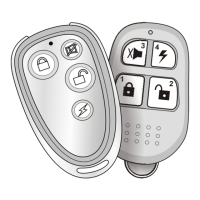
2-way signal paging features
A page is the signal the control module sends to the remote controls confirmation of
receipt of a command or alarm system status. When the remote control receives a page
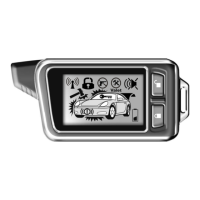
it will generate a page notification to the user (notifications are audible beeps) and the
LCD Icons will display the current system status.
Command Page
When a command (arm/disarm, remote start , or auxiliary channel) from the remote
control is sent and received, the system will send a command page back to confirm receipt.
Note: When the system is in Valet mode, the remote control will show the lock icon and
unlock icon, but will not generate a command page.
Page Recognition (Acknowledgement)
To clear a page alert/notification, quickly press any button on the remote control. This
can be performed at any time during or after the page notification has occurred.
The remote control will not send a command to the system at this time; it will only clear
future repeats of the page notification. The next time a button is pressed on the remote
control it will send a command to the system.
Vehicle status checking
Turn on LCD display back light
The 2-Way remote offer the feature to check the current status of the car, simply press the
button once within proper operation range. The main unit will send the signals to the
2-Way remote about the vehicle current status.
Simply press button once, the back light of LCD display will turn on 5 seconds and
also check the vehicle status.
Alarm Page
If the alarm system is triggered while armed, an Alarm Page will be sent to the remote
control. When the remote receives an Alarm Page, the LCD icons will display the alarm
system status information and the remote control will generate beeps.



 To Next Page