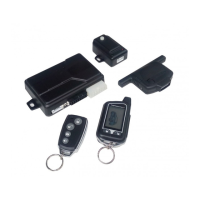
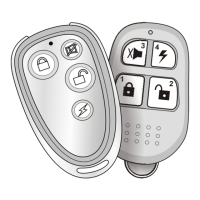
- Remote Zone2 sensor bypass:
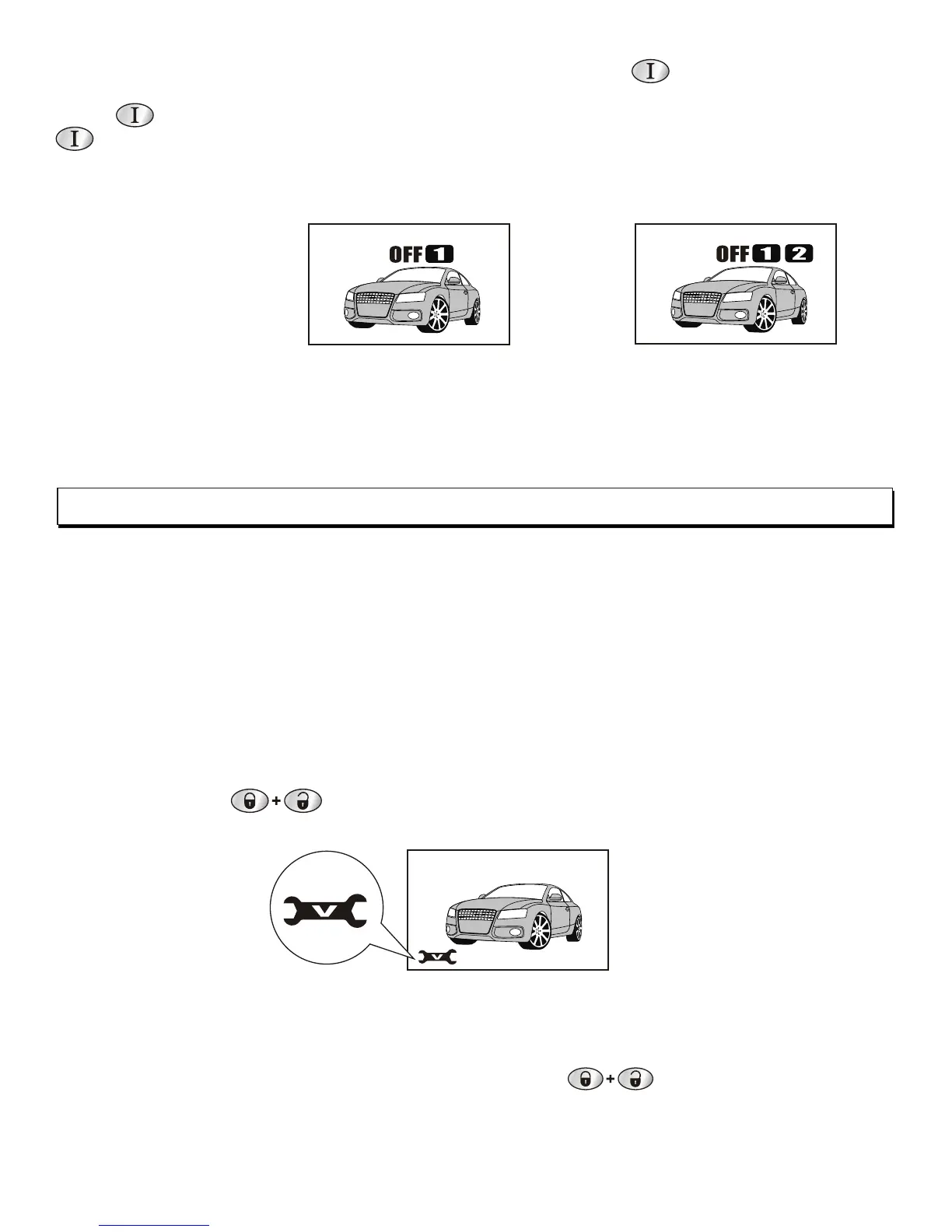
This system offer 2 stage sensors bypass feature . Within 5sec. after set arming, to press
button once , the system will give 2 short chirps , the 1st stage bypassed. Press button
Once again, within 5sec. the system will give 3 short chirps, the 2nd stage bypassed.
Note: - if remote sensor bypassed, it will be detected again by next arming.
- if armed with silent mode, to operate sensor bypass will only indicate by lights flash.
Press the button within 5sec. of amring.
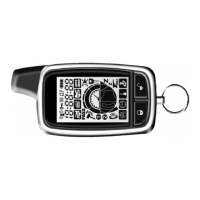
2-way LCD display :
Zone2- 1st stage
sensor bypass.
Zone2- 2nd stage
sensor bypass.
With 2 beeps sound
With 3 beeps sound
Valet mode
If you are going to have your vehicle serviced, parked by a valet or washed you will want to
put your security system Into valet mode. To enter valet mode as follows:
With Valet button:
1. Disarm the system .
2. Turn the ignition from on to off.
3. Within 10 sec after switching off the ignition press and hold the Valet button over 3 sec ,
the LED starts flashing , release the Valet button.
4. Press and hold the Valet button, you will hear siren chirp (from 1 to 3 chirp sound), while
give 1 chirp sound, immediately release the Valet button. You will automatically at Valet
mode, the LED steady ON .
With remote:
1. Turn the ignition to ON status.
2. Press the button for over 2sec. until the status LED steady ON.
When the system is in the valet mode it can not be armed. The door lock and unlock will
function as keyless entry system.
To exit valet mode:
Turn Ignition switch to ON position , then press button for over 2seconds. You
will hear siren provide 2 long and LED light OFF to confirm exit this mode and in alarm mode.
The 2-Way remote will respond 1 long and 2 short beeps.
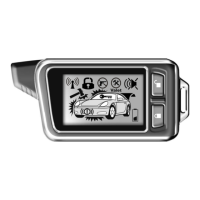
2-way LCD display:
Note:
Under Valet mode, each time
turn Acc off , the siren will give
2 chirps for notification.



 To Next Page