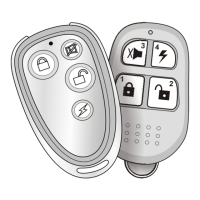
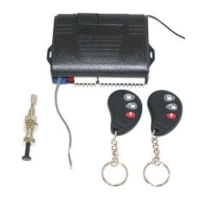
Extension engine running time 10 minutes:
To prolong the engine running time again by press the button once, the engine running
time will start from 10 minutes, except set in unlimited time.
When you are ready to drive the vehicle:
1. Disarm the system, if programmed with delay time (Table-3 of NO.12)
2. Insert the ignition key and turn it to the ON (not the START) position.
3. Press the brake pedal.
Note: If the brake pedal is pressed before the key is in the ON position, the engine will shut
down.
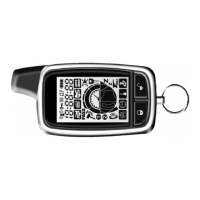
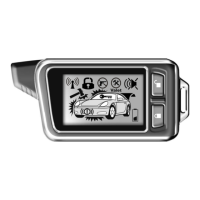
2-way LCD display
if engine started :
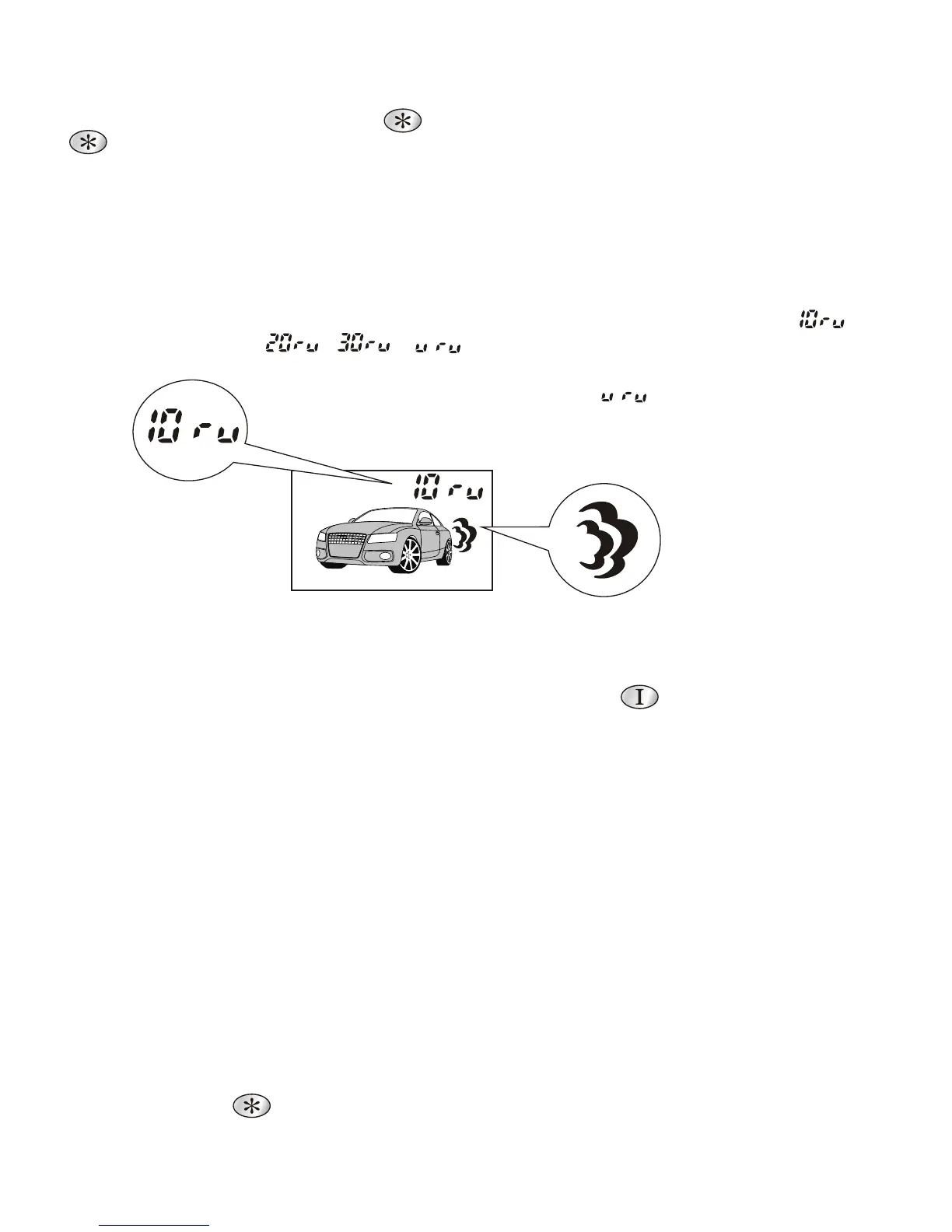
Run time icon will turn on 2sec. for programmed time of ( ,
, , ). and then it will display every 2sec. of
alternate run-time and current-time.
Note: if programmed with unlimited , it will display only for
current-time without run-time.
Flash icon if
engine started.
To remote start the vehicle:
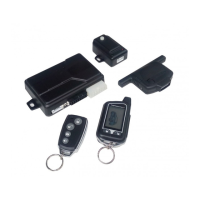
1. Armed position, press the button for over 2sec. Then within 2sec. Press the button
Once.
2. The parking lights will flash 3 times to confirm that the vehicle will attempt to start.
3. Once the vehicle has started, it will run for the pre-programmed period of time
(either 10, 20,30 minutes or unlimited - see Table-3 of NO.1 section ) or until a shutdown
input is triggered.
4. The 2-way LCD will indicate engine run icon and engine run time icon as under:
Shutdown input :
While the vehicle is running during remote start operation, the system will monitor the
vehicle and will automatically shut down the engine if the system receives any of the
following shutdown inputs:
- The brake pedal is pressed.
- The hood is opened.
- The hand brake switch off / Park switch gear off position.
- The pre-programmed run time (10, 20, or 30 minutes) has elapsed.
- Press the button over 2sec.



 To Next Page