SH-TSX Product Manual - © EasyIO / www.easyio.eu
Energy Ring Display
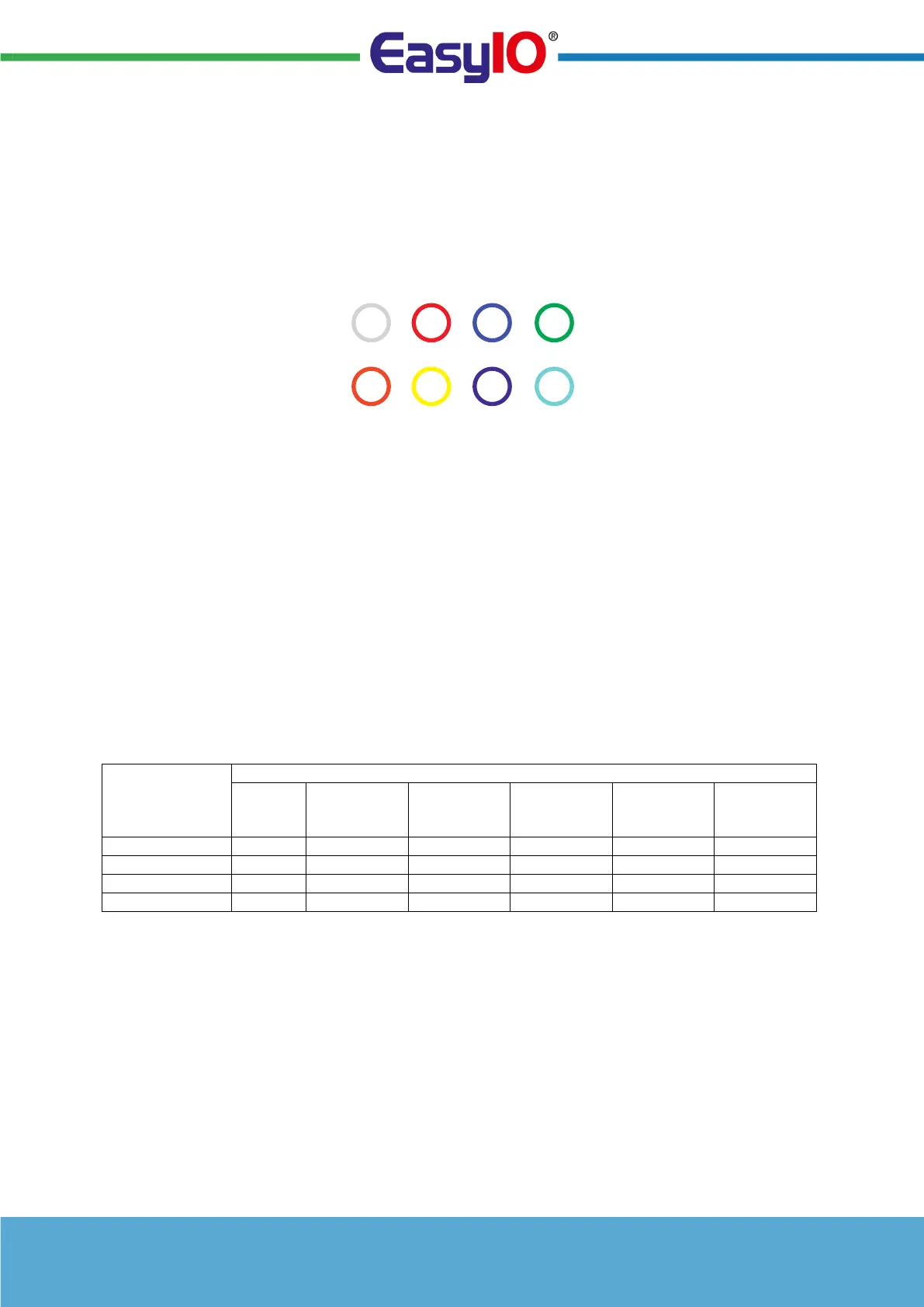
The SH-TSX has a large ring around the target temperature ("energy ring"). The ring colour can be set
from the network, or it can automatically change density between red-grey-blue by calculating the
difference between the target and sensor 1/2/3 temperature.
The ring colour has the following options:- .
0 = White
1 = Red
2 = Blue
3 = Green
4 = Orange
5 = Yellow
6 = Magenta
7 = Cyan
8 = Sensor 1
9 = Sensor 2
10 = Sensor 3 (Default)
Lock Mode
After entering FURTHER INFORMATION screen, by selecting the LOCK icon it is possible to lock the
thermostat. Now by entering the LOCK CODE (default 0000), the thermostat lock state can be
activated.
The lock mode can be configured to work in different ways:
• DISABLED: Lock Mode Icon Not Available
• ADJUST ONLY: Allows Temporary Temperature Adjustment Only
• SCHEDULES ONLY: Allows adjustment of the Programmed Times
• NO INPUT: All Buttons Locked
RING COLOUR ADJUSTABLE
OVER NETWORK
RED BLUEWHITE GREEN
ORANGE YELLOW MAGENTA CYAN


 To Next Page