(32)
6 Maintenance and Overhaul
6.1 Routine Inspection
Check periodically that there is no ALARM signal on the LCD controller or remote output.
Any ALARM indicates that the pump is operating in abnormal condition.
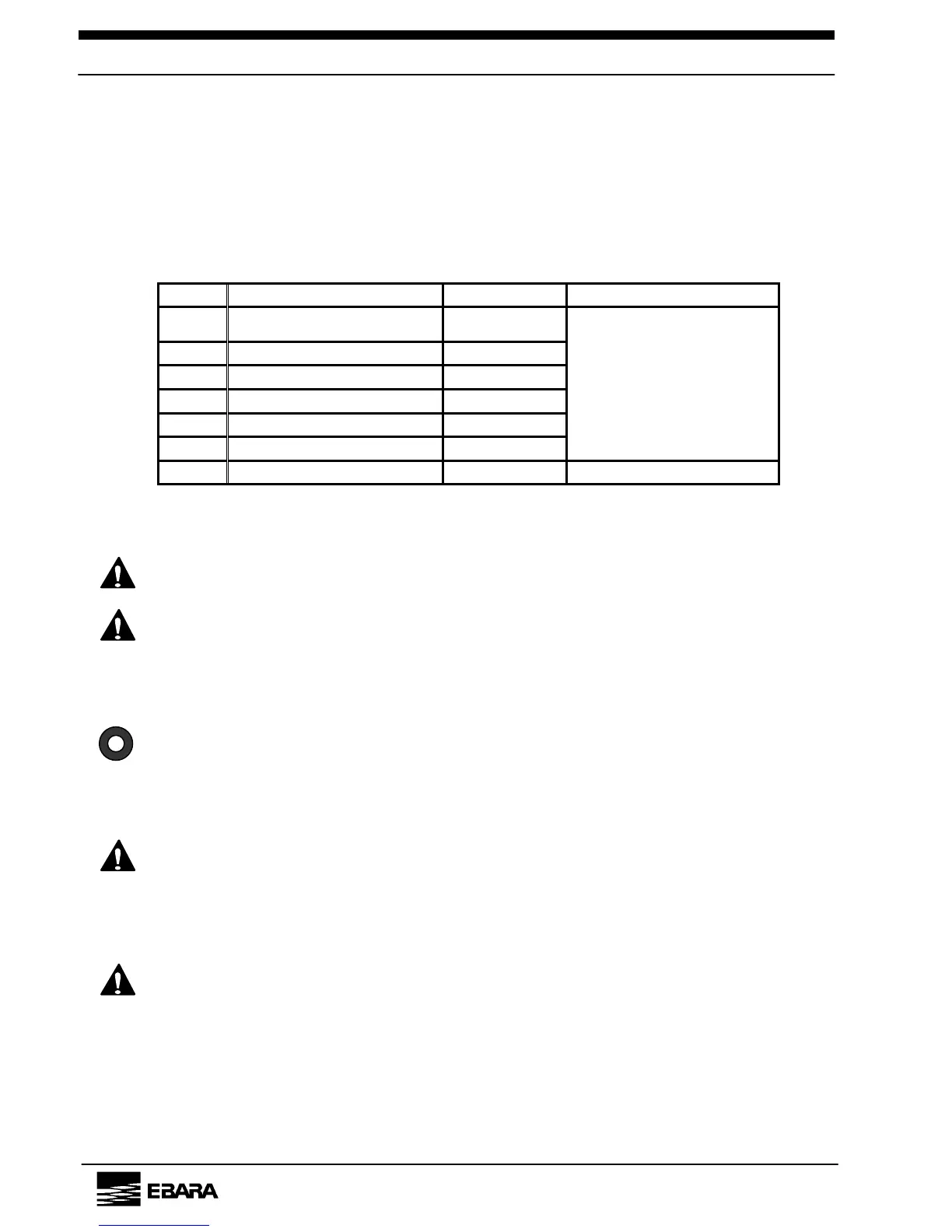
Table 6.1 Typical Check Items
No. Item Sensor Interval(recommended)
1
Motor Current CT
2 N
2
Gas Flow Flow sensor
3 Vibration / Noise -----
4 Lubrication oil Quantity Level switch
5 Cooling water flow Flow sensor
6 Pump casing Temp. T/C
1 time/week
7 Color of lubrication oil ----- 1 time/month
If any ALARM/TRIP occurs, take necessary measures according to Section 8.
WARNING
Switch off the power supply to the pump; interrupt the ELB or CB
and lockout power before you start maintenance.
WARNING
The pump and exhaust piping will remain at a high temperature
during operation and for a short time after the pump has stopped.
Avoid contact and keep flammable substances out of reach.
Do not remove the outer cover during operation.
[NOTE]
Even after clearing the cause of the ALARM/TRIP signal, the
display will persist until the RESET signal is entered. After you
have taken the remedial action, press the RESET button on the
controller or enter the RESET signal from the control signal
connector to reset the ALARM/TRIP status.
CAUTION
An ALARM signal will not stop the pump.
However, continuing pump operation in this condition may lead to a
TRIP signal or a serious breakdown. After completion of the next
wafer cycle, check the pump in accordance with the instructions of
Section 8.
CAUTION
In the REMOTE operating mode, when a TRIP signal has occurred,
interrupt the external start signal before beginning maintenance. If
the external ALTERNATE start signal is present, the pump will start
as soon as the TRIP is RESET.
EBARA Corporation



 To Next Page