4. Using the Website browser or PC client
To access camera via web browser or download for PC client, please visit www.Ebitcam.com.
Connect camera to your network with the included Ethernet cable.
4.1 Log In & Sign Up
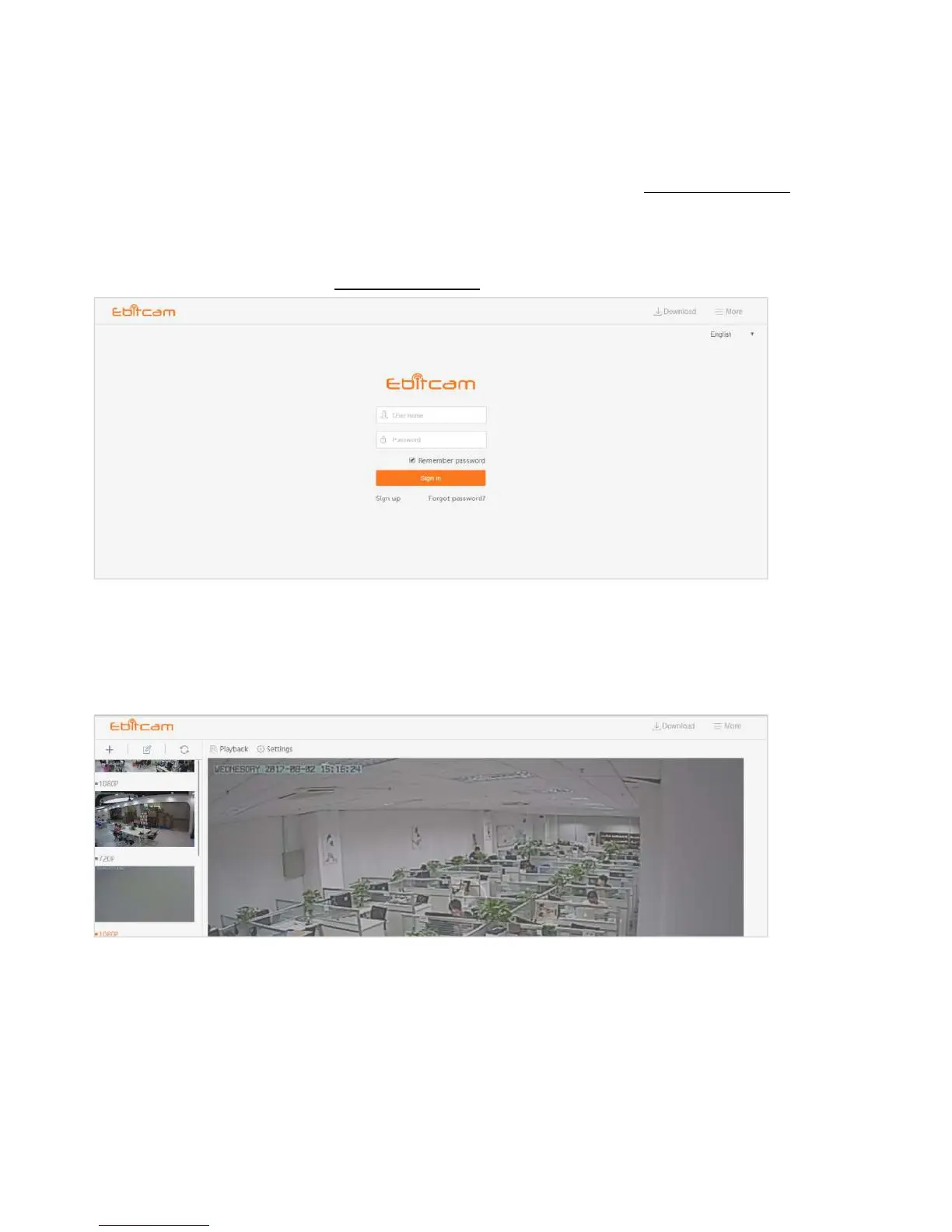
In your Web browser, go to www.Ebitcam.com. The following window appears:
Enter your User name and Password, and click Sign in.(If you are a new user, Select
“
Sign up
”
and create a Username and Password.)
The first time you log in, you need to install the video plugin.
The website interface opens. If devices have been added, the current image for each active
device is shown in the dashboard.
Note: for better viewing experience, you can download the EBITCAM PC client by clicking the
"Download" in the upper right corner of the login screen.


 To Next Page