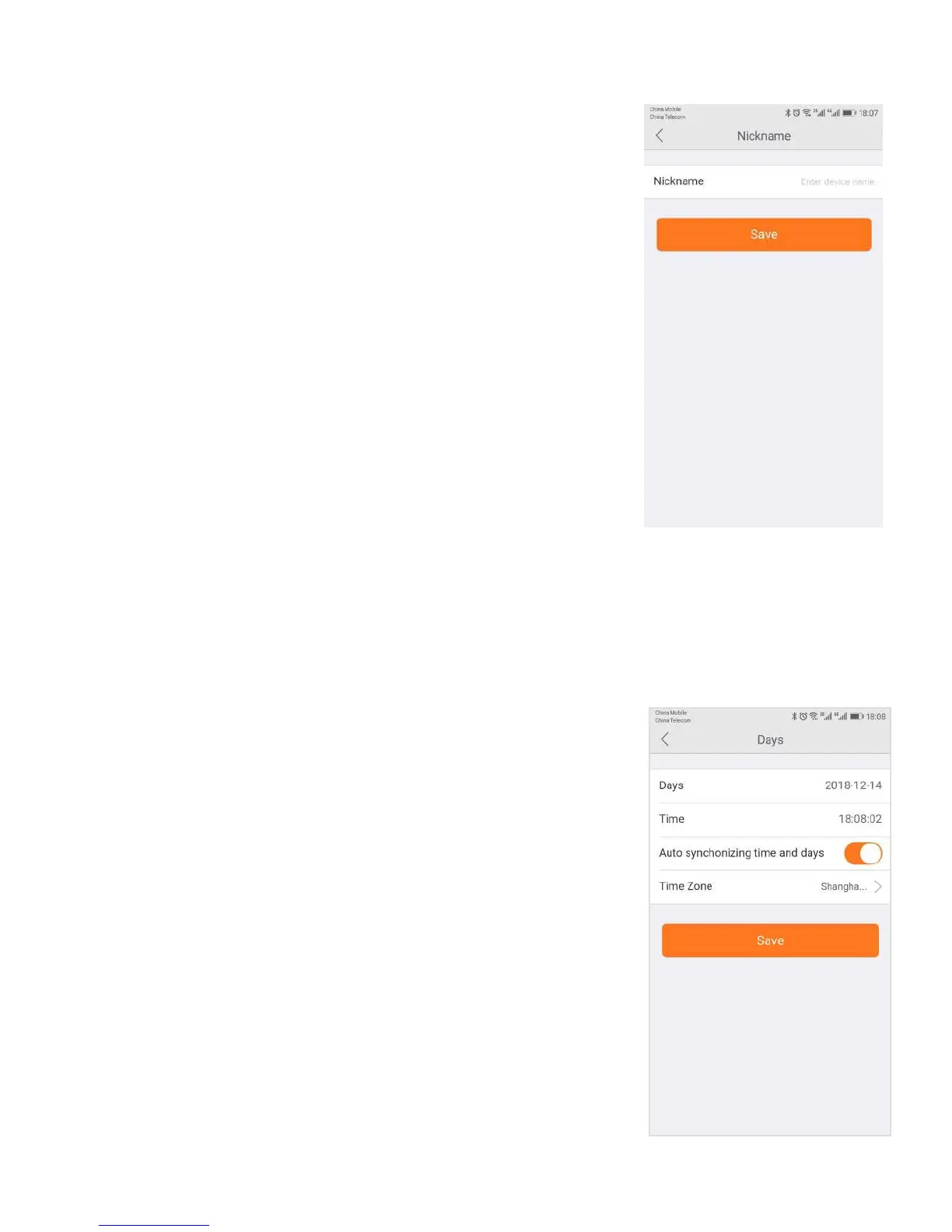
In this section, you will be able to enter a nickname for your camera.
Simply type the name into the box and then click on apply.
Now, that camera will go by that particular nickname when it shows up
on the left side of the screen. This can make it nice and easy to know
which camera is which quickly.
In the Date/Time tab, you can set the date and time for your camera. Choose
the date, time, and the time zone. You can also choose to synchronize to the local
date and time automatically. However, you can change the time manually if you
prefer. You will want to have the correct date and time so you can schedule your


 To Next Page