3. Using Apps for iPhone and Android
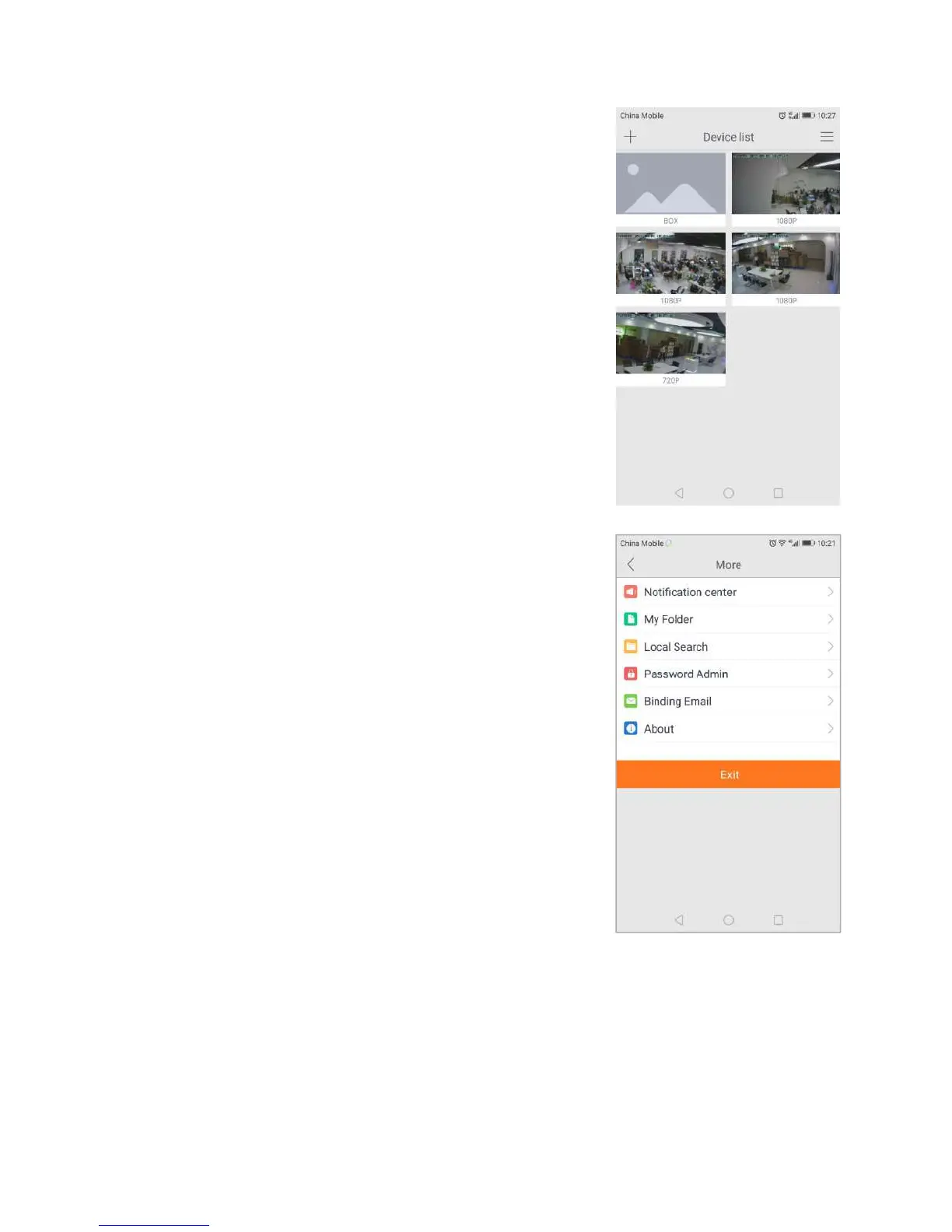
The camera list panel contains all cameras you have added to your
account. Each preview picture has various indicators for online,
password changed status,offline or alarm.
3.2 Account Settings for Mobile Devices
The Settings page for iOS and Android are very similar. Minor
differences are Account Settings for Mobile Devices indicated
The Settings page for mobile devices contains the following
Notification Center: Set the alarm mode, select the sound or
My Folder:Check local recording
In the Password section:
User admin password:Enter the Old password, and a new
password, and then enter the new password again in the Confirm
User guest password:If you wish to allow someone access to your Camera, you can assign them a
user guest password, which can be disabled at any time. Guests can view what the cameras are
broadcasting and can move the cameras, but they will not be able to make any changes in the
settings or use the remote microphone.
Binding email: Enter an email address. This is the email account to which Notification is sent
when you ask to reset your password.


 To Next Page