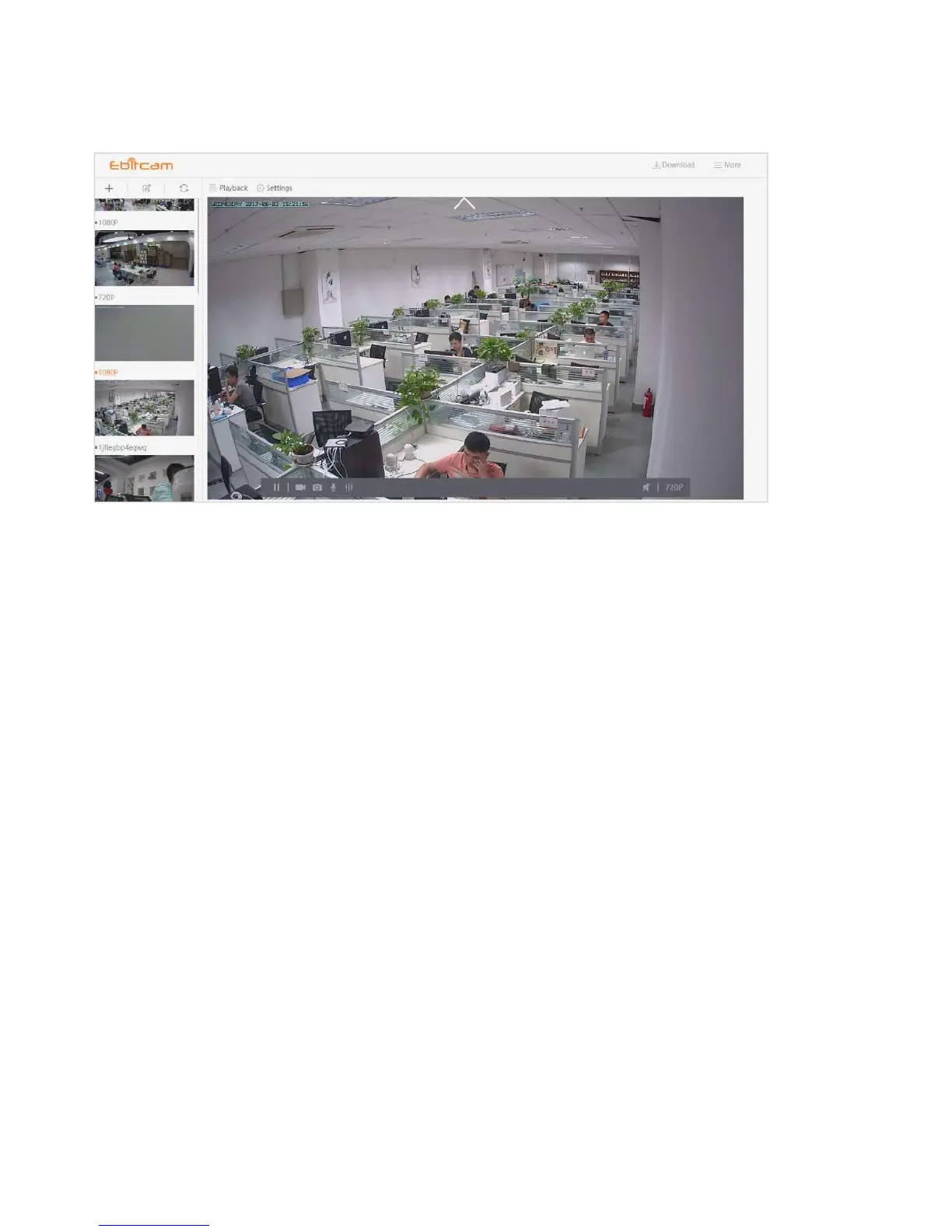
4.3 Pan, Tilt
(<>︿﹀)On computers only: move camera left, right, up and down using directional controls.
These controls are only available as you move the mouse to hover over the display edges
(top,bottom, left and right in the middle). Not all cameras provide the full range of rotation, panning,
tilting, etc.
Note:The screen can not be zoomed on the computer.


 To Next Page