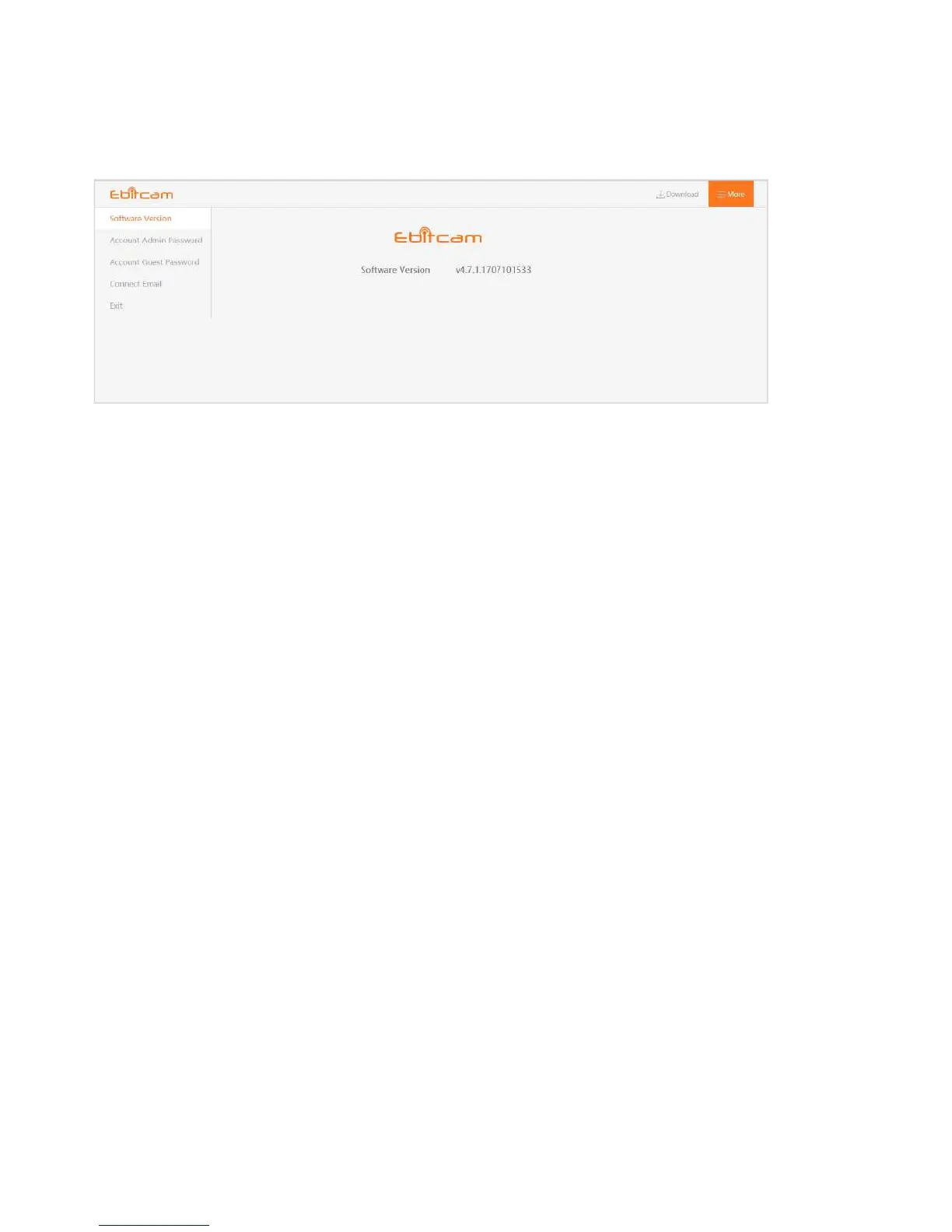
4.6 More (Account Settings)
The Settings page contains the following options:
Software Version
–
View the current version of the software
Account Admin Password
–
This enables you to change your account password.
Account Guest Password
–
If you wish to allow someone access to your camera, you can assign
them a user guest password, which can be disabled at any time. Guests can view what the
cameras are broadcasting and can move the cameras, but they will not be able to make any
changes in the settings
or use the remote microphone.
Connect Email
–
Enter an Email address. This is the email account to which
notification is sent when you ask to reset your password.
Exit
–
Exit the current account.


 To Previous Page