4.4 Playback
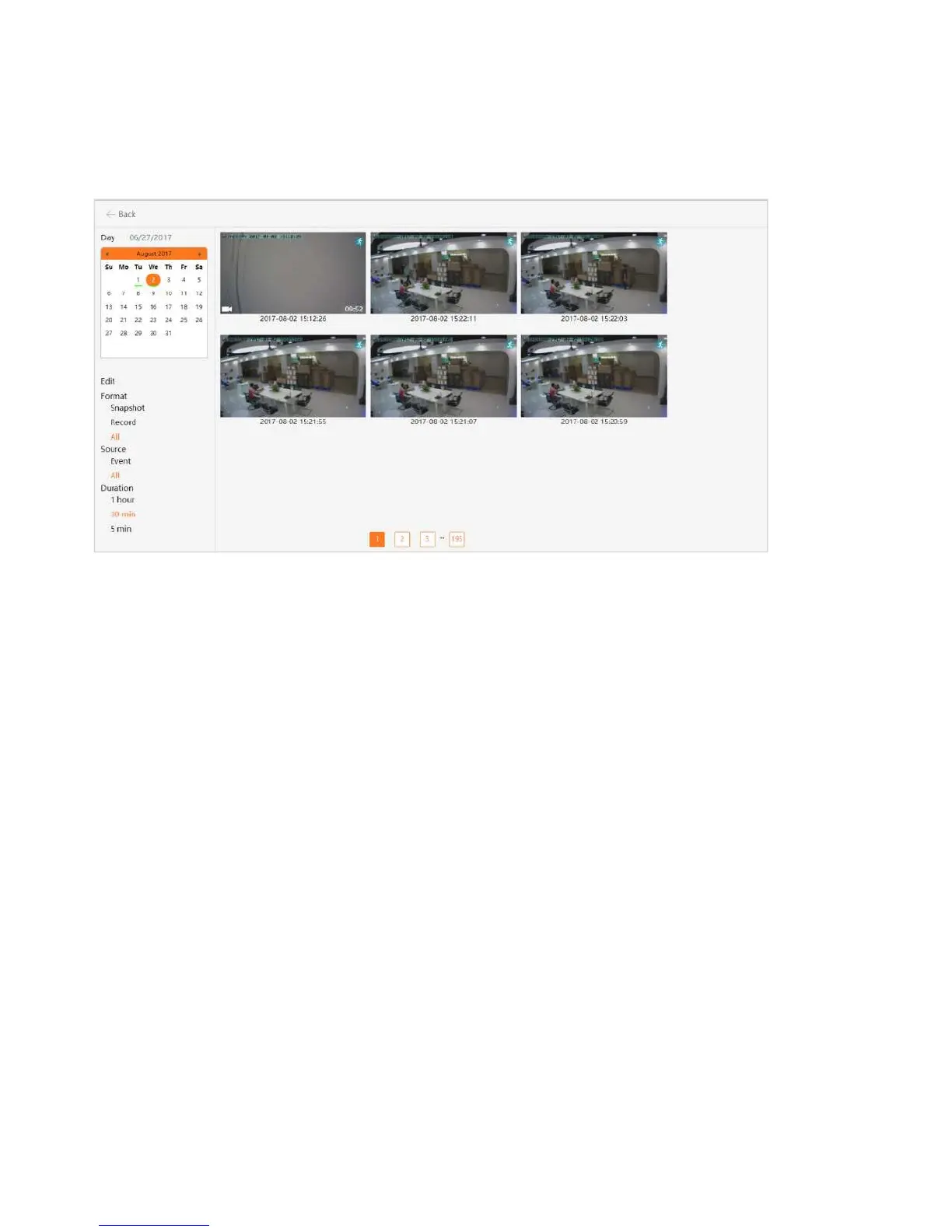
If you do not have an SD card in your camera, this will be a blank screen. If you do have an SD card in
your camera and you capture videos, you will see a list of videos on the this screen.
Day: Quickly view video time
Snapshot: Clicking on one of the pictures will open up the image into a separate popup, making
it larger and easier to see.
Record:Under the Records column, it will show you whether the record indicates video.
Event: Display motion detection video.
Duration: Select the length of each video recording, the default is half an hour.


 To Next Page