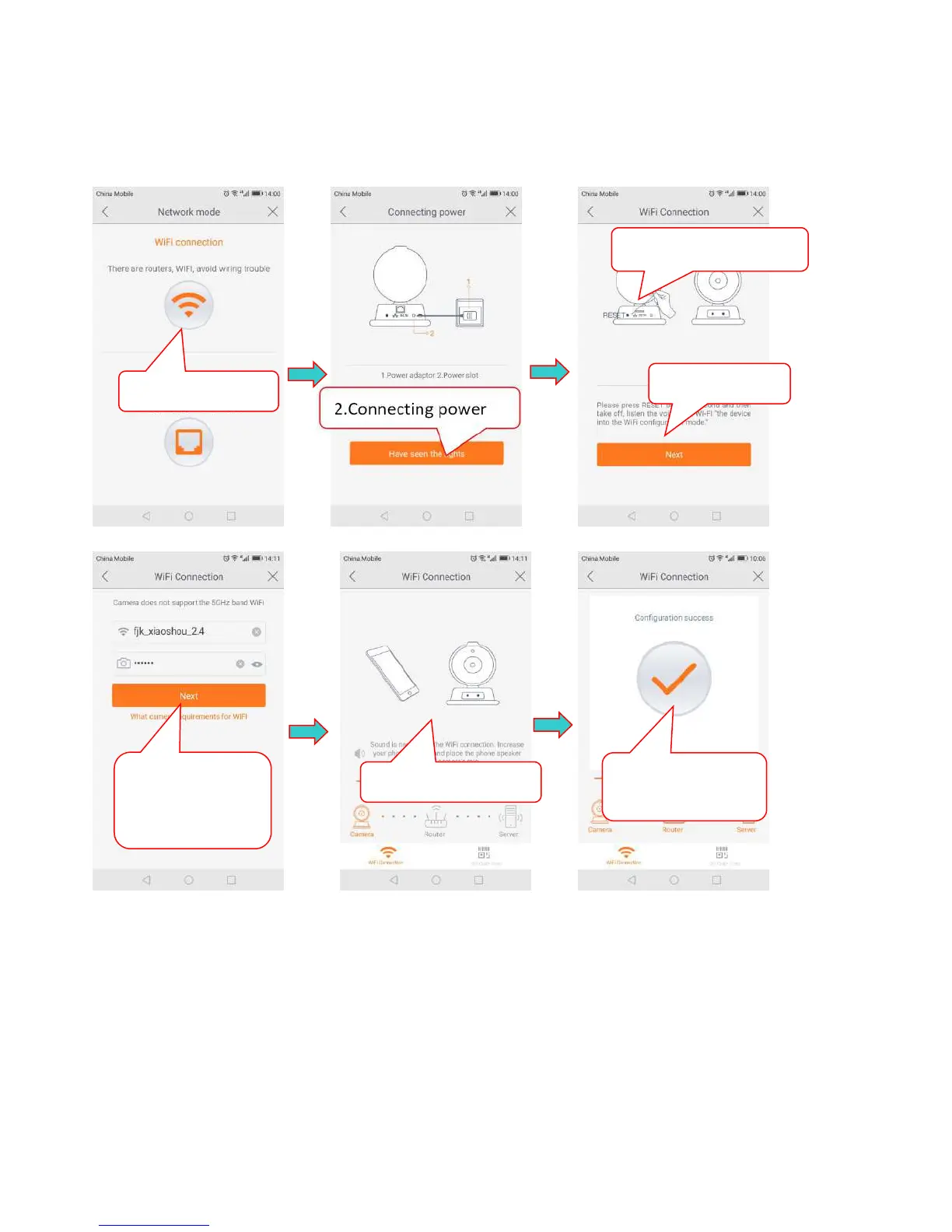
2.5.1 Wi-Fi connection
Click the WiFi connection icon and press the RESET button to enter the WiFi configuration mode.
Input the WiFi password, the connection should besuccessful!
Note:
①
Press RESET key, hold for 1-2 seconds to enter the WiFi configuration,longpress10-12
seconds to restore the factory settings.
②
If the WiFi configuration fails, check the following:
·
That your wireless network is turned on and active.
·
That you have entered the correct Wi-Fi password.
·
That your Wi-Fi is 2.4 Ghz.
If it still unable to connect, try to connect using an Ethernet cable.
③
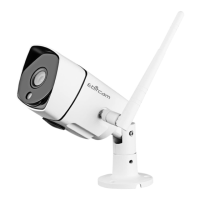
The Outdoor Cameras only supports wired connections for WiFi.
5.Enter the wifi
password,Click
“Next”


 To Next Page