The BOLTMARK
®
II‑series PrinTers
Basic OPeraTing insTrucTiOns
17 2018/02/27#2.0EN
creating a new text
1
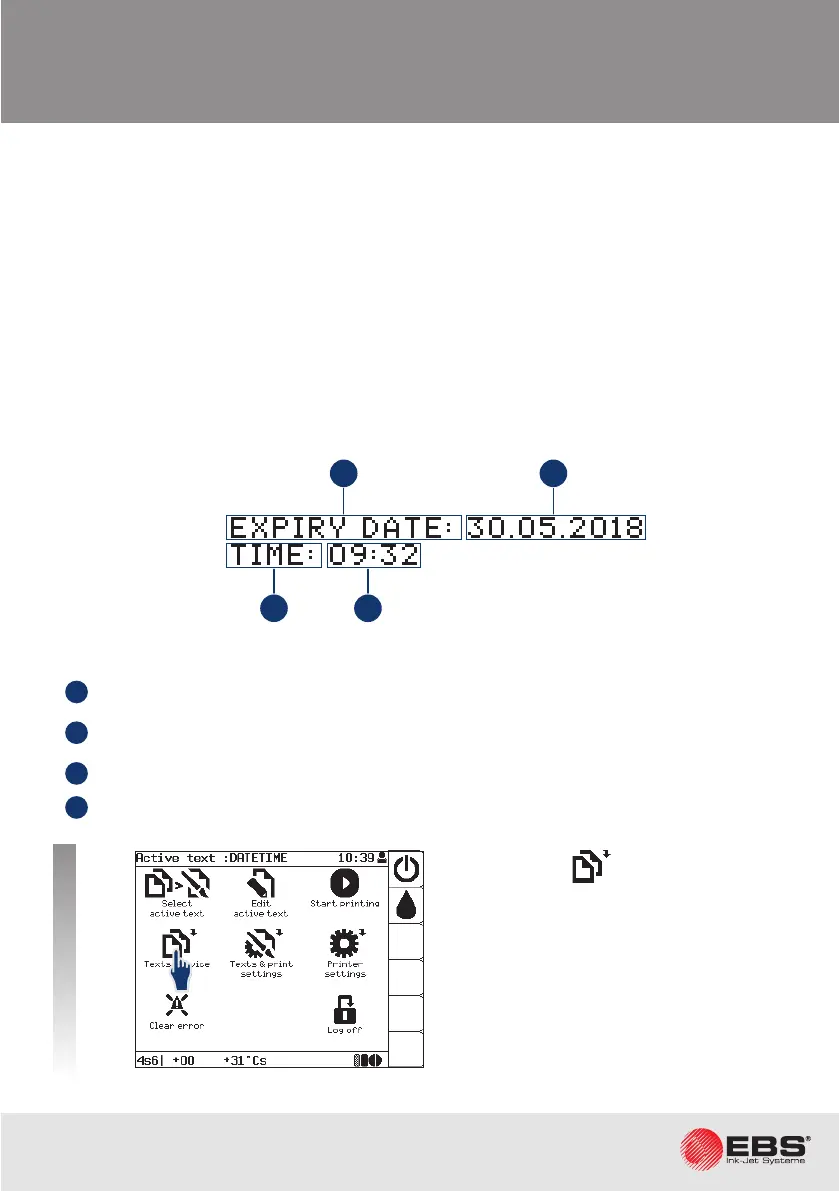
All printer operaon stages are described based on an example:
The text consists of 4 subtexts:
1
Text. Stac text.
2
Special register Date+os.
Dynamic text. Current date + the value of the Oset
prinng parameter.
3
Text. Stac text.
4
Special register Time Dynamic text. Current me.
Possibilies for creang a new text.
Text contents:
• special registers: the me, the date, the expiraon date, object counters, etc,
• bar codes: standard and 2D "Data Matrix" codes,
• graphics: built-in/created by a user (with a graphics editor).
Text proles:
• texts can be edited more easily because they are adjusted to a required conguraon,
• print quality and prinng speed are opmized.
Open folder .
21
43



 To Next Page