The BOLTMARK
®
II‑series PrinTers
Basic OPeraTing insTrucTiOns
222018/02/27#2.0EN
Setting
Printing ParameterS
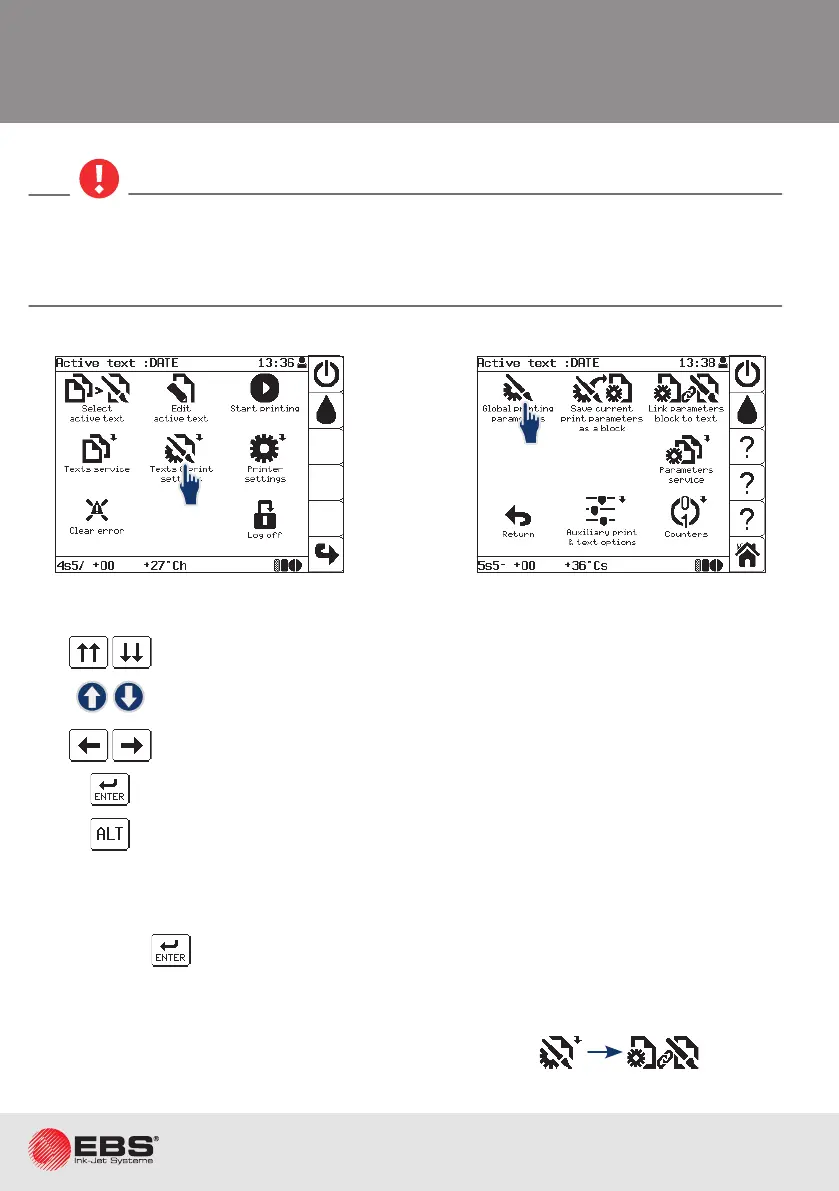
To scroll the screen.
To go to the previous/next item.
To change the parameter sengs (the values of numerical parameters can
be typed in via the keyboard).
To conrm.
To select a text from the library (it applies to the Acve text parameter).
Prinng parameters apply to the acve text. The selecon of another text as the acve text
does not involve any change in prinng parameters on condion that the new acve text is not
linked with a parameter block. If the new acve text is linked with a parameter block, the pa-
rameters contained in the linked block are read in when the new text is selected as acve.
Immediately aer the prinng parameters have been edited (and the modicaons conrmed
by pressing the icon) they can be saved to a block. The suggested name for a parameter
block is the same as the name of the acve text.
To avoid the need for seng parameters for every text, you can save prinng parameters as
a block and then link a text with the parameter block by pressing .
1
2



 To Next Page