LX20B – Manual Page 23 / 67
6.3.10. Operations -> System events history
„Events history” provides information about last events stored in LX20B device memory. See chapter
7.12. EVENTS HISTORY.
6.3.11. Operations -> Device monitor
“Device Monitor” provides real-time information on LX20B device state. See chapter 7.11. DEVICE
MONITOR.
6.3.12. Operations -> Restore default settings
If operation “Read” finishes with error message (e.g. if access code is unknown) it is
possible to come back to default settings by selecting “Restore default settings”. The
screen displays the message “Do you want to overwrite current configuration with
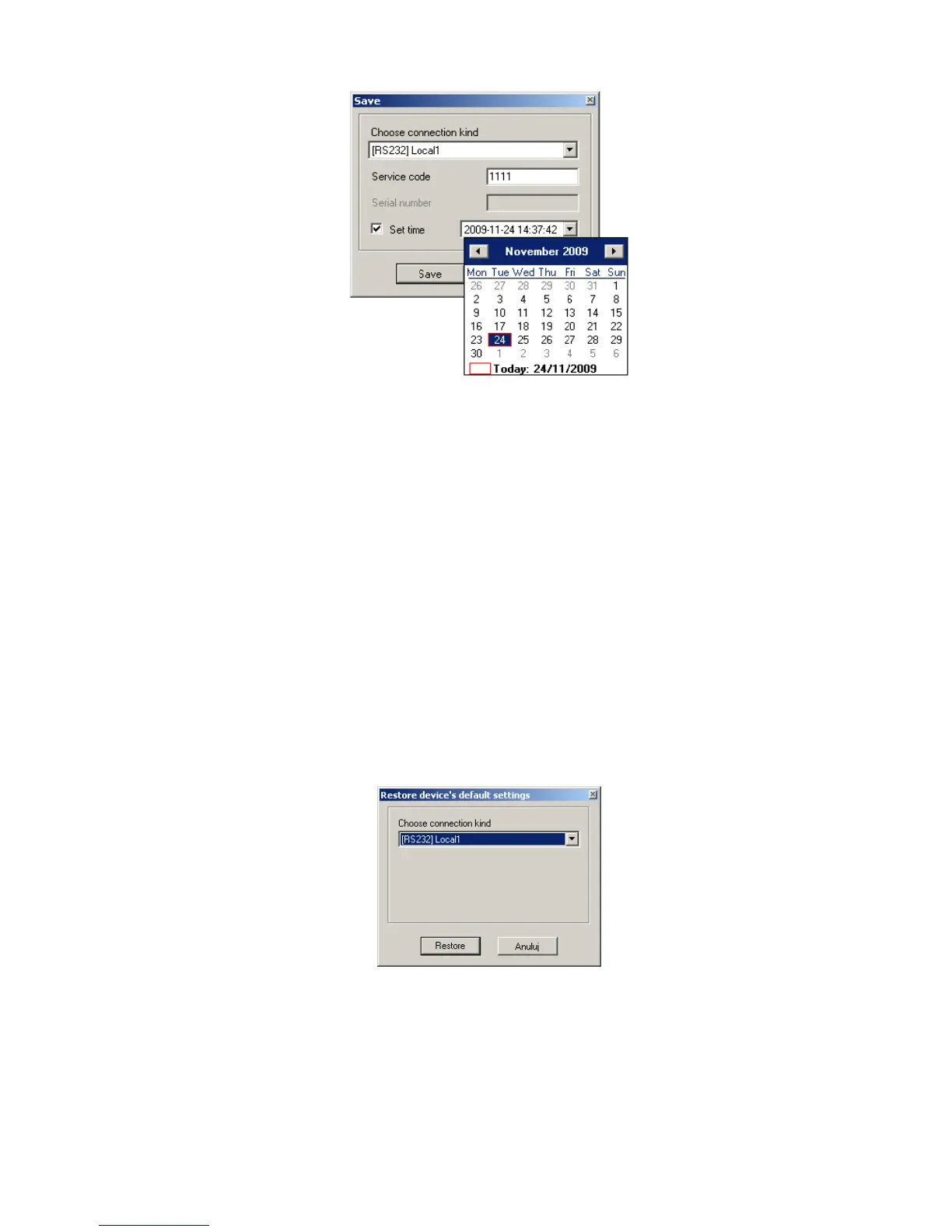
default values?”. After confirming the following window shall appear:
This operation is possible only with local connection. After operation completing
device parameters shall come back to default settings.
6.3.13. Help -> About program
Select this information to view additional information about program.



 To Next Page