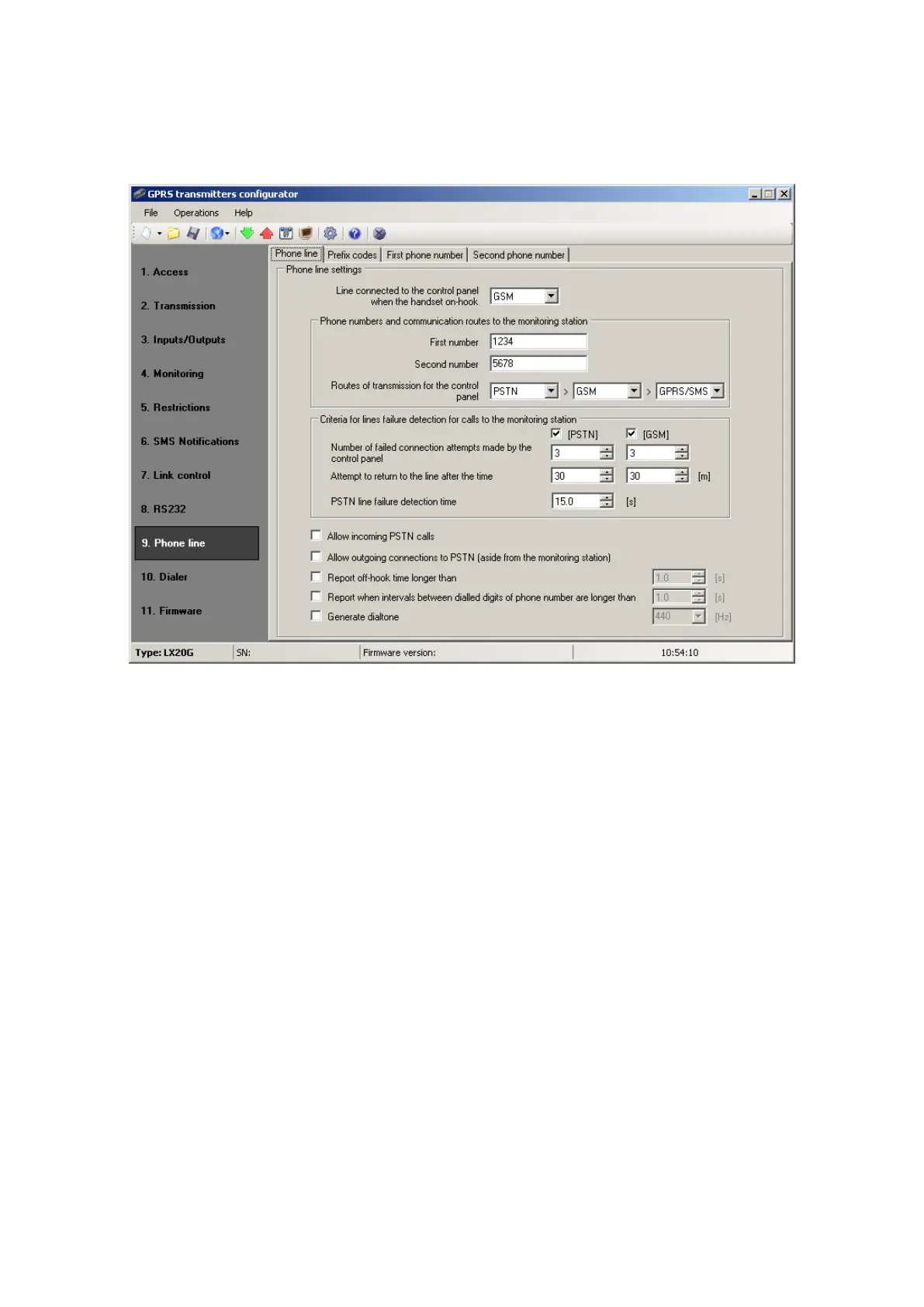
7.9.1. Phone line
This tab is provided to determine settings of telephone line.
7.9.1.1. Line connected to the control panel…
This feature allows you to select the default connection for the control panel.
After selecting:
o PSTN – terminals T1-R1 are connected to PSTN line, terminals T2-R2 are not
connected
o GSM – terminals T1-R1 are connected to GSM line, terminals T2-R2 are
connected to PSTN line
7.9.1.2. Routes of the transmission for the control panel
The user is able to determine which lines and what order will be used for
subsequent failed call attempts to the monitoring station. Using the drop-down lists
specify the order of routes of transmission: PSTN, GSM and GPRS / SMS. The
algorithm works as follows:
I. When lifting the handset by the control panel transmission route is determined
by the following criteria:
a. If prefix code was used (see 7.9.2.1 Forcing the line) the route is
chosen to be a line which is assigned to the given code.
b. If prefix code was not used the line is chosen by the user-defined
sequence for which no failure occurred. For PSTN and GSM see 7.9.1.3



 To Next Page