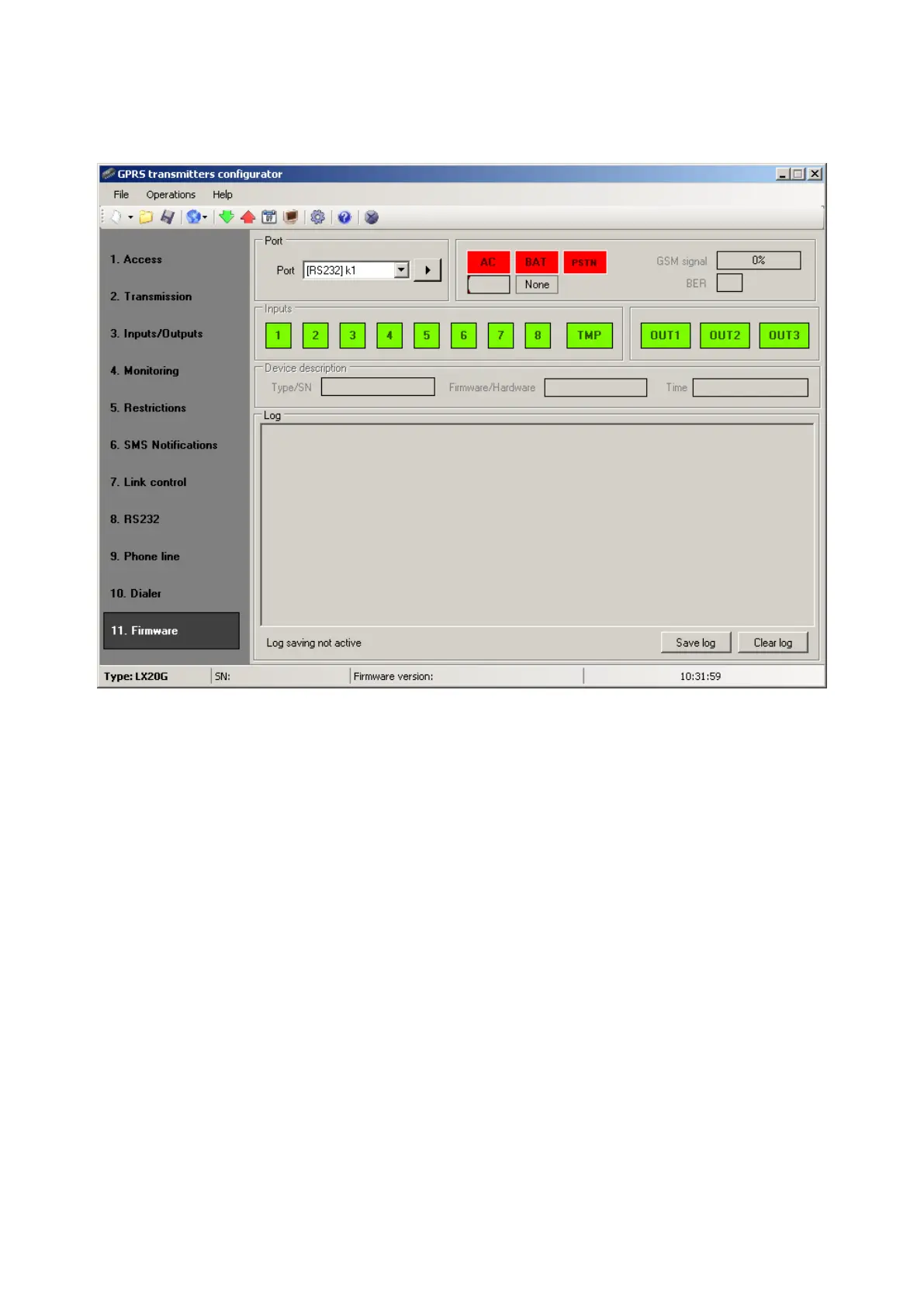
7.12. Device Monitor
“Device Monitor” provides real-time information on LX20G device state. To use this
function LX20G must be connected to PC computer with LX-DATA cable (using
DEBUG plug). Correct RS232 port must be chosen in “Port” field. “Device monitor”
provides following information:
o AC power indication
o Battery power indication
o PSTN line indication
o GSM network signal level indication
o Bit-Error-Rate level measuring
o Inputs and outputs state monitoring
o Type or serial number of device
o Firmware and hardware revision
o Device time
These parameters are also shown in LOG window in text style. All data can be saved
to file.



 To Next Page